
Key Takeaways
- Zoho Mail offers a free business email plan for up to five users, with 5 GB of storage per user.
- Cloudflare Email Routing lets you receive emails sent to your business domain in an existing inbox for free.
- Neo Mail offers a 15-day free trial, with paid plans that include business email, an eligible free domain, and an AI website builder.
- Namecheap Private Email offers a 30-day free trial, with paid plans starting from $14.88 per year.
- Free business email doesn't always mean a free domain. You may still need to pay for domain registration.
What is a business email with a custom domain?
A business email with a custom domain is an email address that uses your business name rather than a provider's name.
For example, if you own a bakery called Sweet Crumbs and your domain is sweetcrumbs.com, your email address could look like:
- hello@sweetcrumbs.com
- orders@sweetcrumbs.com
- support@sweetcrumbs.com
Here, sweetcrumbs.com is your domain, and your email provider is the service that lets you send, receive, and manage emails. You don't need a website to use a business email address. You only need a domain and an email service that supports it.
Can you get a free business email with your own domain?
Yes. Some providers let you use your own domain for business email without paying a monthly fee.
However, there's a difference between a free mailbox and free email forwarding.
- Free email mailbox: Providers like Zoho Mail let you send, receive, and store emails using your business address.
- Free email forwarding: Services like Cloudflare Email Routing send incoming messages from your domain to an existing inbox. They don't provide a regular mailbox for sending replies.
- Free trial: Providers like Neo Mail and Namecheap Private Email let you try their email services before choosing a paid plan.
If you already own a domain, you can use one of these options without purchasing a new domain. Otherwise, you'll need to register one or select a provider that includes a domain with its email plan.
Why should you use a business email with your own domain?
A business email address isn't just for established companies. It can be useful from the moment you start communicating with customers, suppliers, or potential clients.
1. Customers can recognize your business
When customers receive a message from orders@sweetcrumbs.com, they can immediately connect the email address to the business they've contacted. A domain-based address makes it easier to keep your business identity consistent across emails, your website, and other communication channels.
2. You can create separate addresses for different needs
As your business grows, you might want separate email addresses for customer inquiries, billing, and orders. For example, a single owner could begin with hello@yourbusiness.com and later add billing@yourbusiness.com when needed.
3. It makes everyday communication easier to manage
Email can quickly become a major part of running a business. According to Microsoft's 2025 Work Trend Index special report, the average worker in its Microsoft 365 dataset received 117 emails per day. While a new business may receive far fewer, the finding shows how important an organized inbox can become as communication increases. Choosing an email service that supports your business as it grows can save you the trouble of switching providers later.
4 best free and affordable business email providers with a domain
Not every business needs the same email setup. Someone starting a side business may only need one inbox, while a small team might need several addresses, more storage, and access from mobile devices.
Here's how the four providers compare.
1. Zoho Mail
Best for: Individuals and small teams looking for a free business mailbox.
Starting price: Free for up to five users on one domain in supported regions.
Zoho Mail is a suitable option if you already own a domain and want to create a business email address without paying a monthly mailbox fee.
Its Forever Free plan supports up to five users, with 5 GB of email storage for each person. You can create addresses like hello@yourbusiness.com and use Zoho's webmail or mobile app to send and receive messages. This makes it useful for small businesses that primarily need email rather than additional business tools.
Key features:
- Free email for up to five users.
- 5 GB storage per user.
- Support for one custom domain.
- Webmail and Zoho mobile app access.
- Spam protection and basic email management.
What to consider: The free plan doesn't support IMAP, POP, or ActiveSync, so connecting it to third-party email apps such as Outlook or Apple Mail isn't supported. It's also limited to eligible data center regions.
How to set up free business email with Zoho Mail
1. Visit Zoho Mail: Go to Zoho Mail and select the Forever Free plan, if available in your region.
2. Create an account: Sign up and enter your business details.
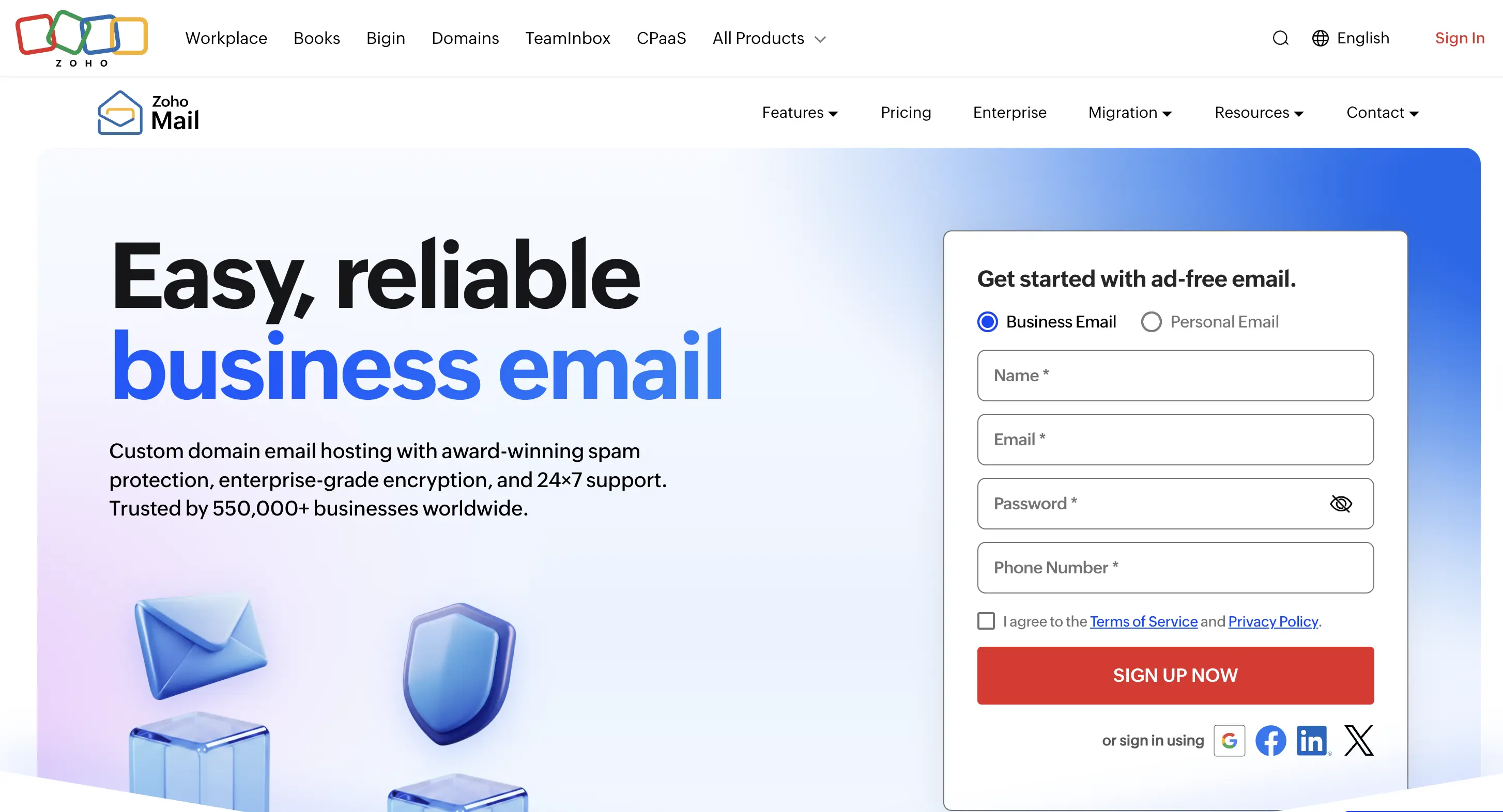
3. Add your domain: Enter the domain you already own, such as yourbusiness.com.
4. Verify your domain: Follow Zoho's instructions to confirm that you own the domain.
5. Create your email address: Choose an address such as hello@yourbusiness.com and set a password.
6. Connect your email: Update your domain's MX records using the details provided by Zoho so you can receive messages.
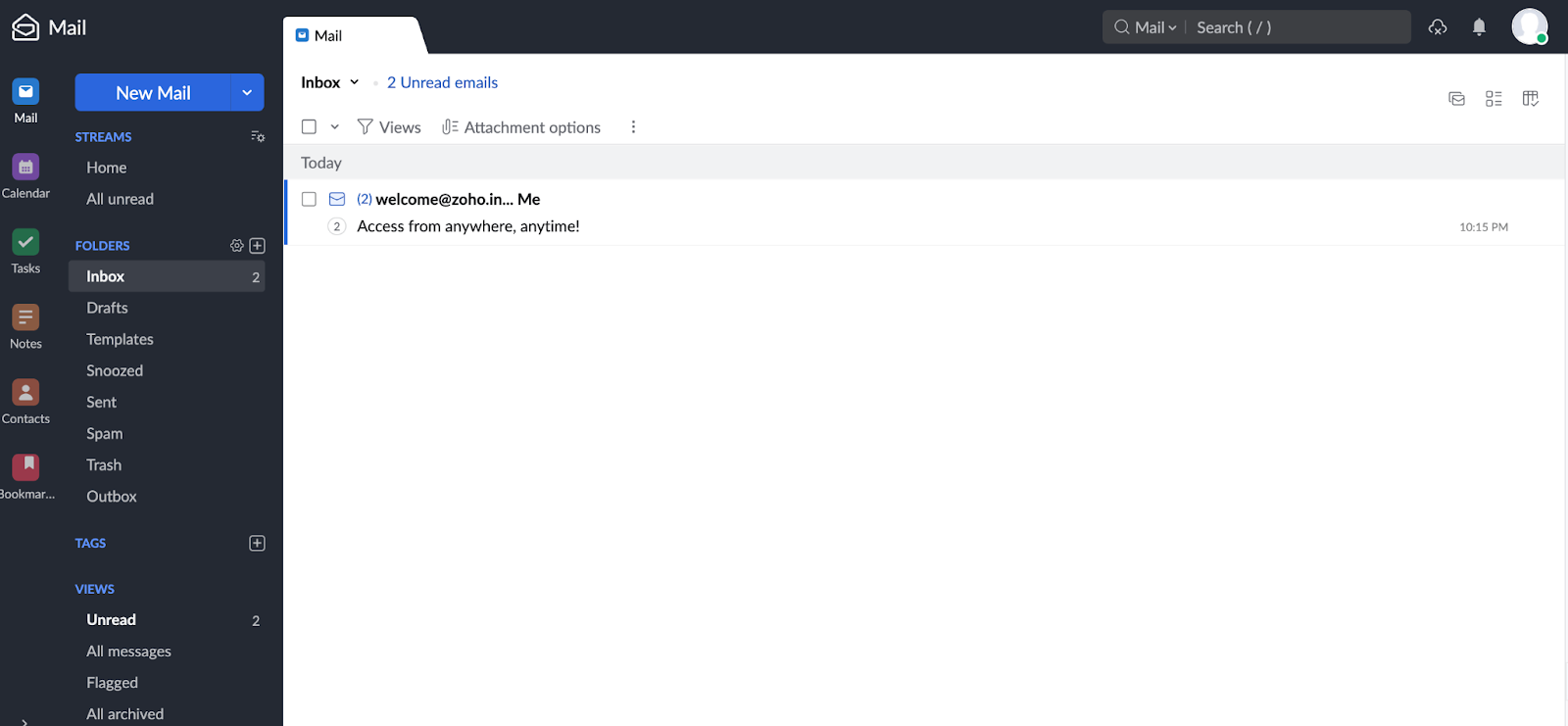
Once your setup is complete, you can sign in to Zoho Mail and start sending and receiving business emails.
2. Cloudflare Email Routing
Best for: Individuals and small businesses that want to receive emails through their own domain without paying for another mailbox.
Starting price: Free.
Cloudflare Email Routing is a free service that forwards emails sent to your business address to an inbox you already use.
For example, if you own sweetcrumbs.com, you can create an address like hello@sweetcrumbs.com and have all incoming messages delivered to your existing Gmail account.
This means you can receive customer inquiries using your business address without checking a separate inbox or paying for another email account.
Key features:
- Free email forwarding with your own domain.
- Create multiple business email addresses.
- Receive messages in an existing Gmail, Outlook, or other supported inbox.
- Manage email forwarding rules through Cloudflare.
How to set up
1. Connect Your Domain to Cloudflare: Visit Cloudflare and create a free account. Add your domain and update its nameservers to Cloudflare's so you can use Email Routing.
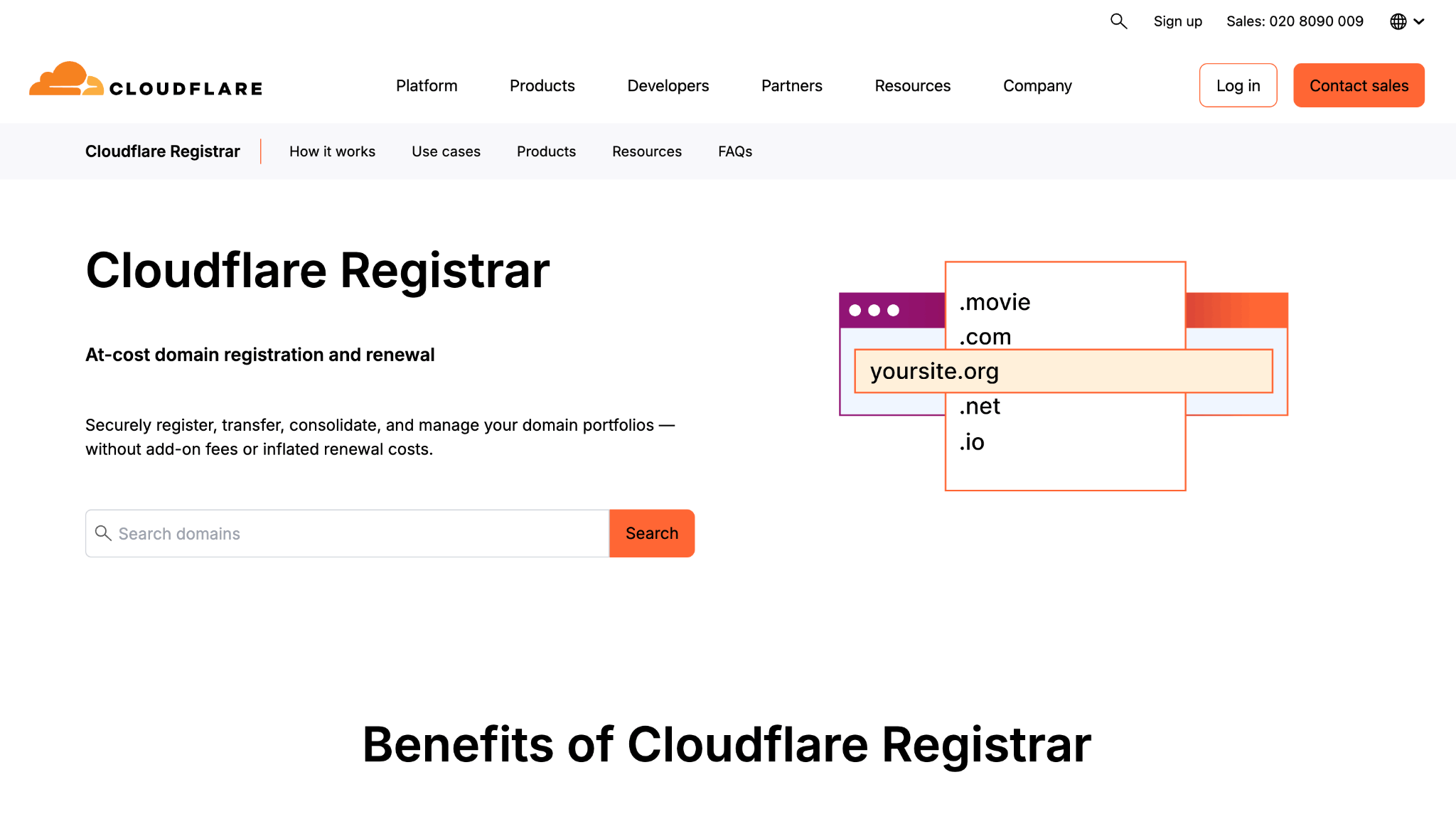
2. Enable email routing: Open your Cloudflare dashboard and go to Email Routing. Click Onboard Domain and select the domain you want to use. Cloudflare will help set up the DNS records needed for email forwarding.
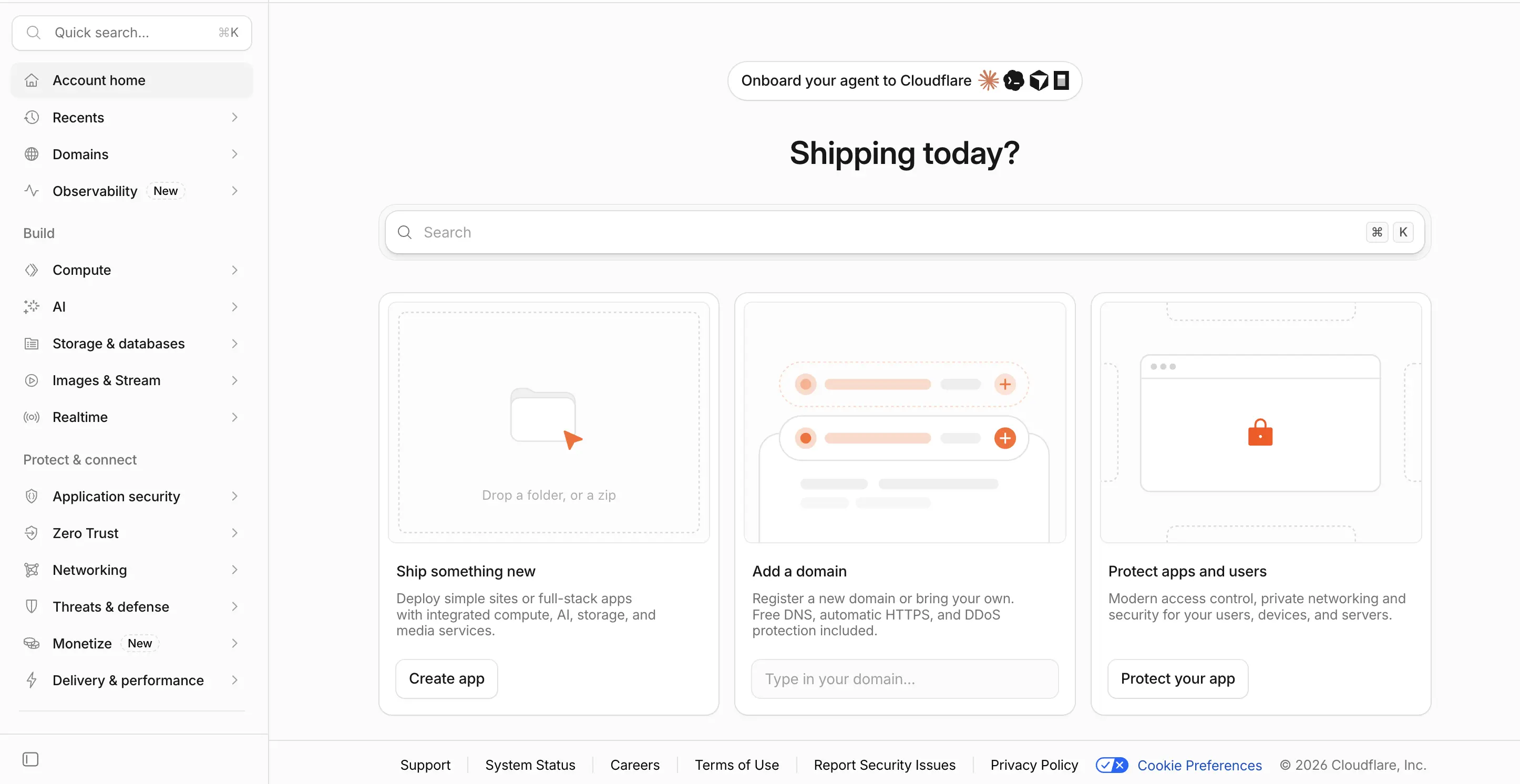
3. Add the inbox where you want to receive emails: Under Destination Addresses, enter your existing email address, such as your Gmail account. Cloudflare will send you a verification email. Open it and click Verify email address to confirm the inbox belongs to you.
4. Set up your business email address: Go to Routing Rules and create an address like hello@yourbusiness.com. Choose the inbox you verified earlier so emails sent to your business address get forwarded there.
5. Check that everything works: Send a test email to your new business address from another account. Open your destination inbox to check if the message arrived. If you don't see it, check your spam folder too.
Once everything is set up, emails sent to your business address will automatically arrive in the inbox you selected.
What to consider: Cloudflare Email Routing doesn't include a traditional mailbox. You can receive forwarded emails, but sending regular replies from your business address requires a separate email-sending service. Your domain must also use Cloudflare DNS.
3. Neo Mail
Best for: Freelancers, solopreneurs, and small businesses looking for email and additional business tools.
Starting price: $1.25 per mailbox/month on the four-year plan, with a 15-day free trial.
Neo Mail is a paid business email provider that lets you set up an email address using a domain you already own or if you are without domain then you can get one for free with its business email plan.
For example, someone starting a consulting business could create contact@yourbusiness.com and begin communicating with clients without needing to purchase a domain separately, if they choose an included domain option. Neo Mail also provides an AI website builder, allowing business owners to create a simple website alongside their email account.
Key features:
- Business email with your own domain or an eligible free domain.
- Free AI website builder with an active subscription.
- 15 GB to 100 GB email storage, depending on the plan.
- Webmail and Android and iOS applications.
- Read receipts, email templates, and AI-powered email tools, depending on the plan.
How to set up
1. Visit Neo Mail: Go to Neo Mail and click on Start with email.
2. Enter your business name: Provide your company name to begin setting up your email.
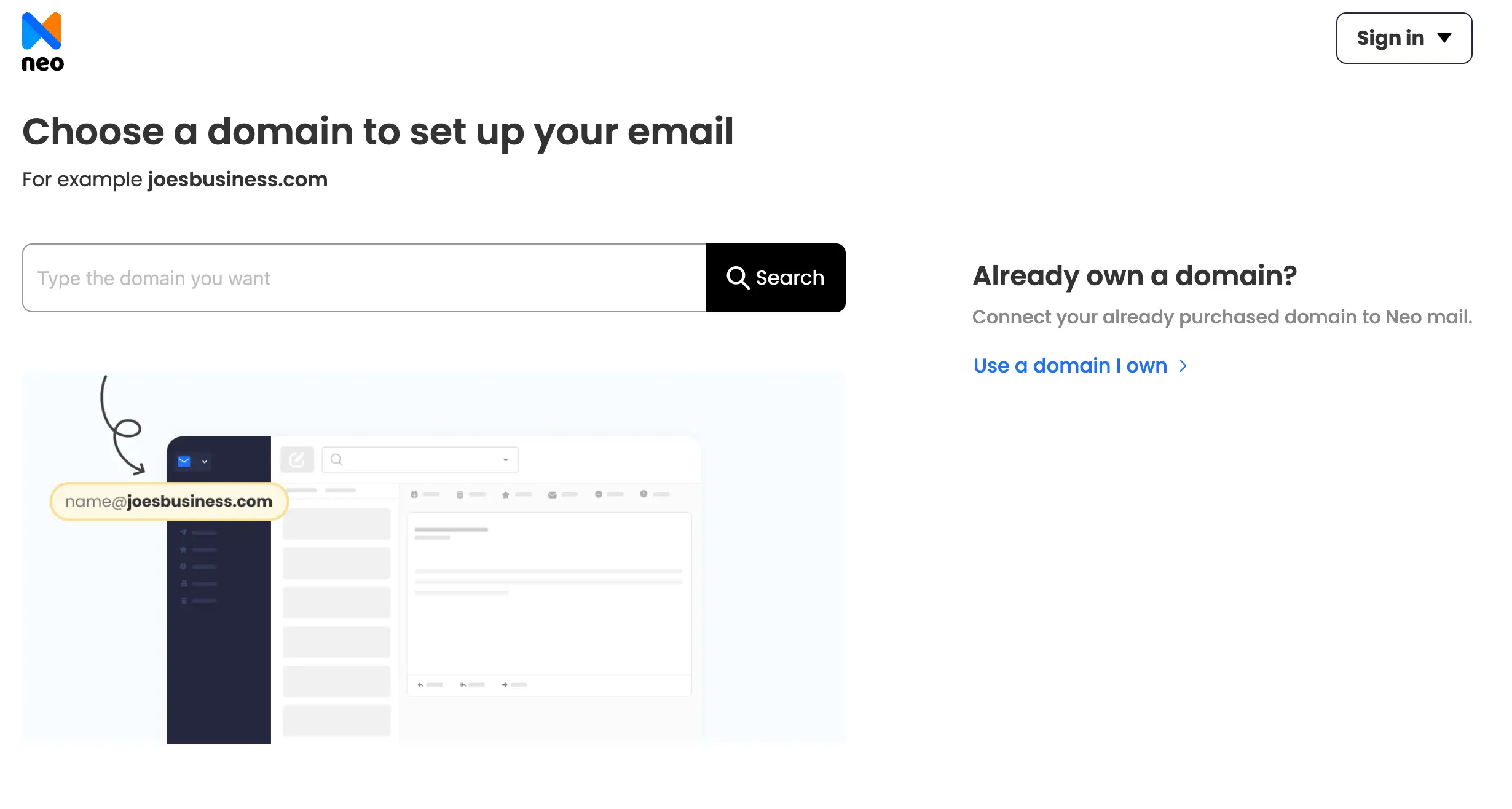
3. Choose your domain: Connect a domain you already own or select an available domain offered by Neo Mail.
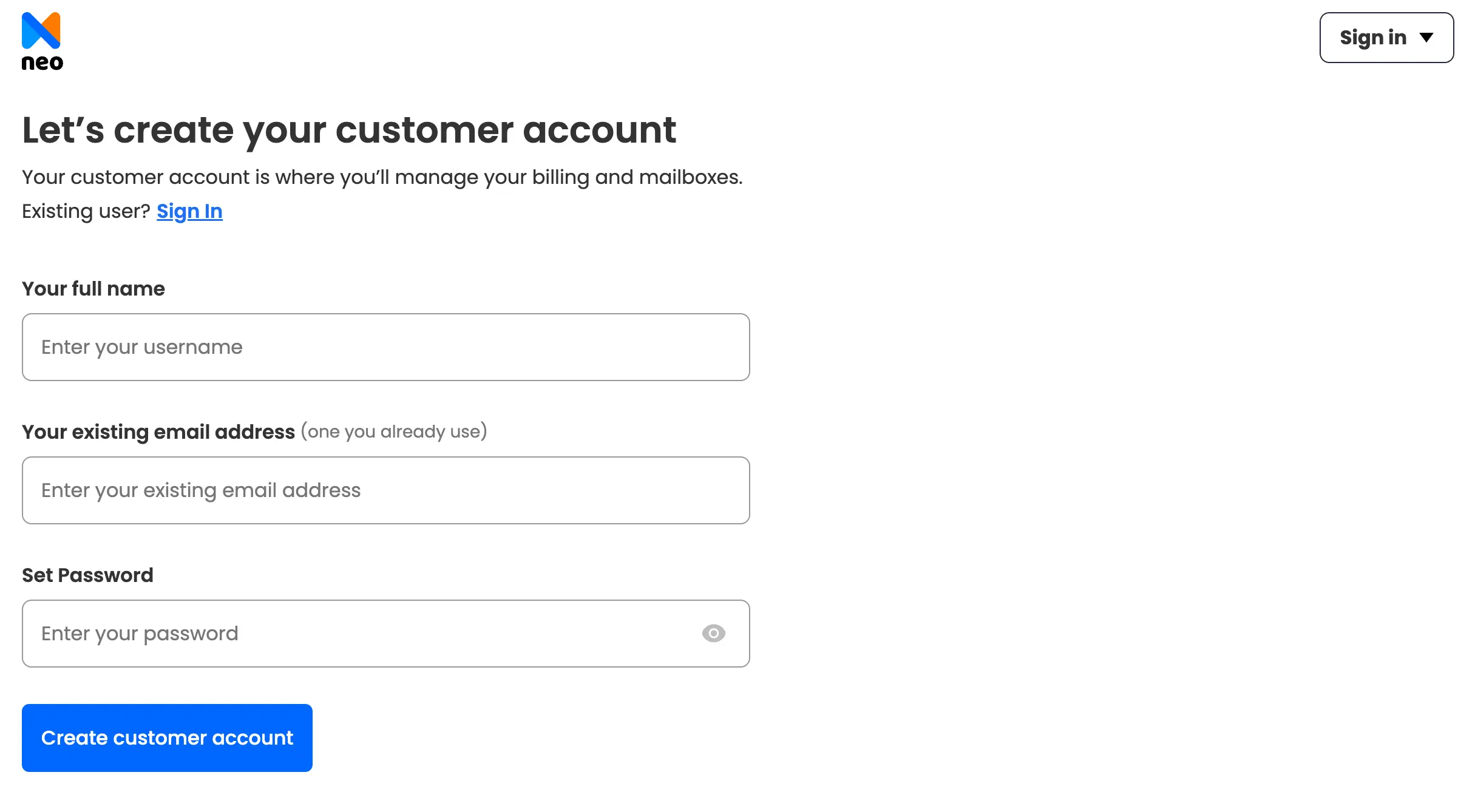
4. Create your account: Enter the required details and set a secure password.
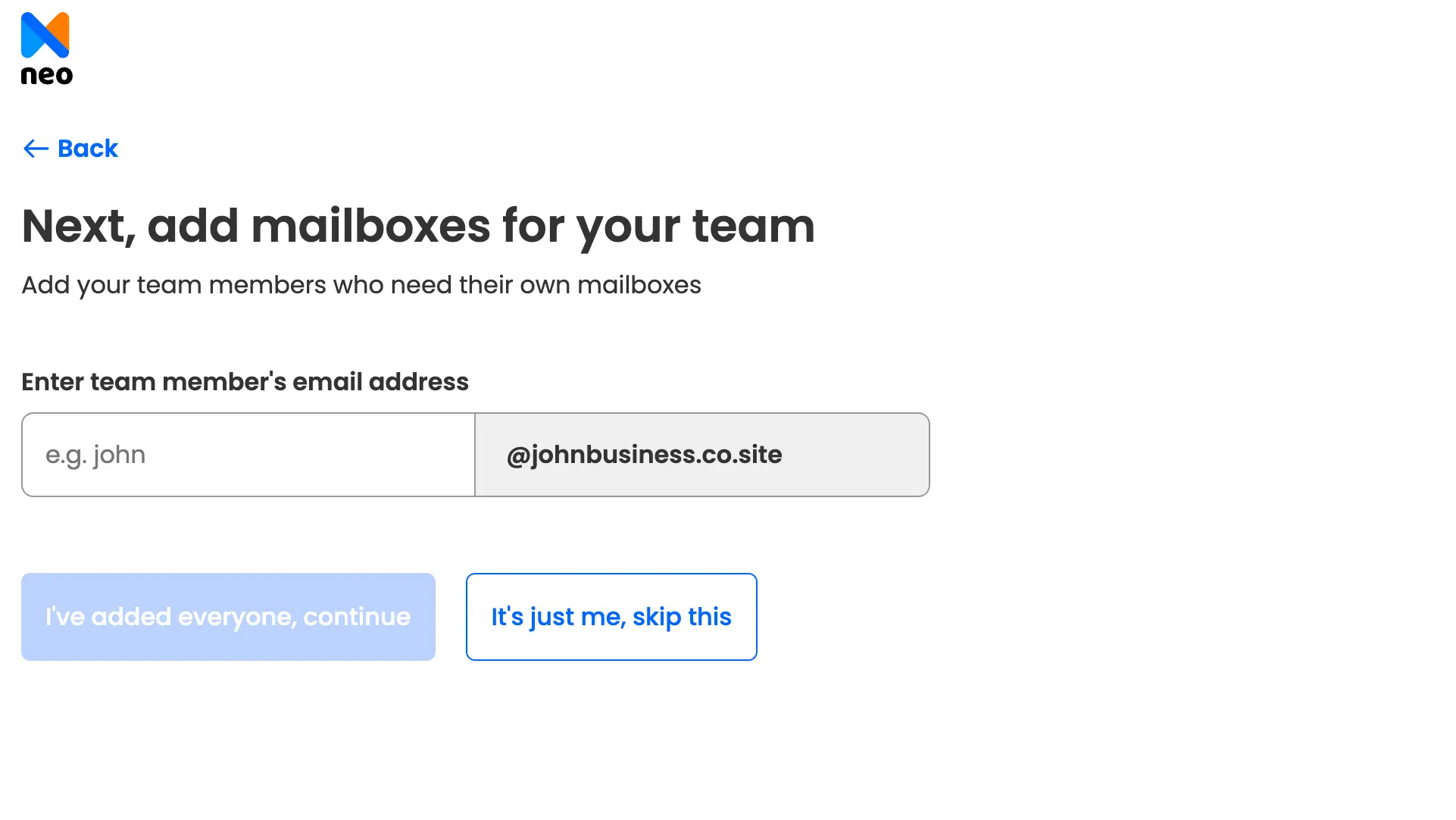
5. Set up your mailbox: Choose your professional email address, such as hello@yourbusiness.com, and add team mailboxes if needed.
6. Complete your setup: Follow any remaining domain verification steps and access your inbox. You can also create a website using Neo Mail's free AI website builder.
What to consider: Neo Mail doesn't offer a permanent free email plan. The advertised $1.25 monthly rate requires a four-year billing commitment, and some features are especially useful for small businesses.
4. Namecheap Private Email
Best for: Individuals and small businesses looking for a straightforward, affordable email mailbox.
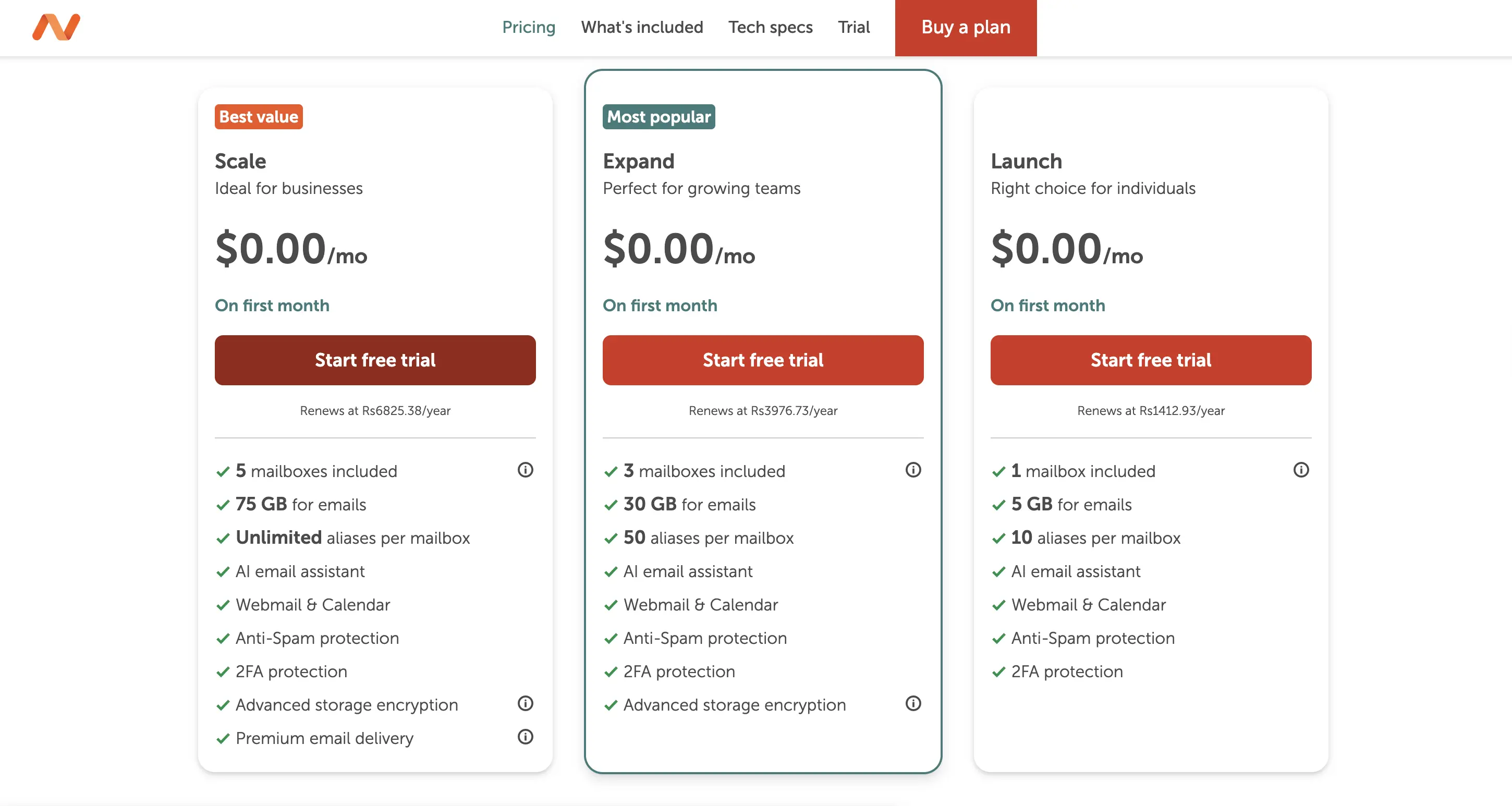
Starting price: $14.88/year for the Launch plan, with a 30-day free trial.
Namecheap Private Email provides custom-domain email accounts for individuals and businesses that want to send and receive messages using their own email address.
Its Launch plan includes one mailbox with 5 GB of storage. You can use it with an existing domain and access emails through webmail or compatible email applications. Unlike email forwarding, Namecheap Private Email gives you a dedicated mailbox to manage both incoming and outgoing messages.
Key features:
- One mailbox with 5 GB storage on the Launch plan.
- Custom-domain email addresses.
- Webmail and support for IMAP, SMTP, and POP3.
- Spam protection and two-factor authentication.
- 30-day free trial.
How to set up
1. Visit Namecheap: Go to Namecheap and open the Private Email section.
2. Choose a plan: Select a plan such as Launch and begin the 30-day free trial.
3. Add your domain: Enter a domain you already own or register a new one.
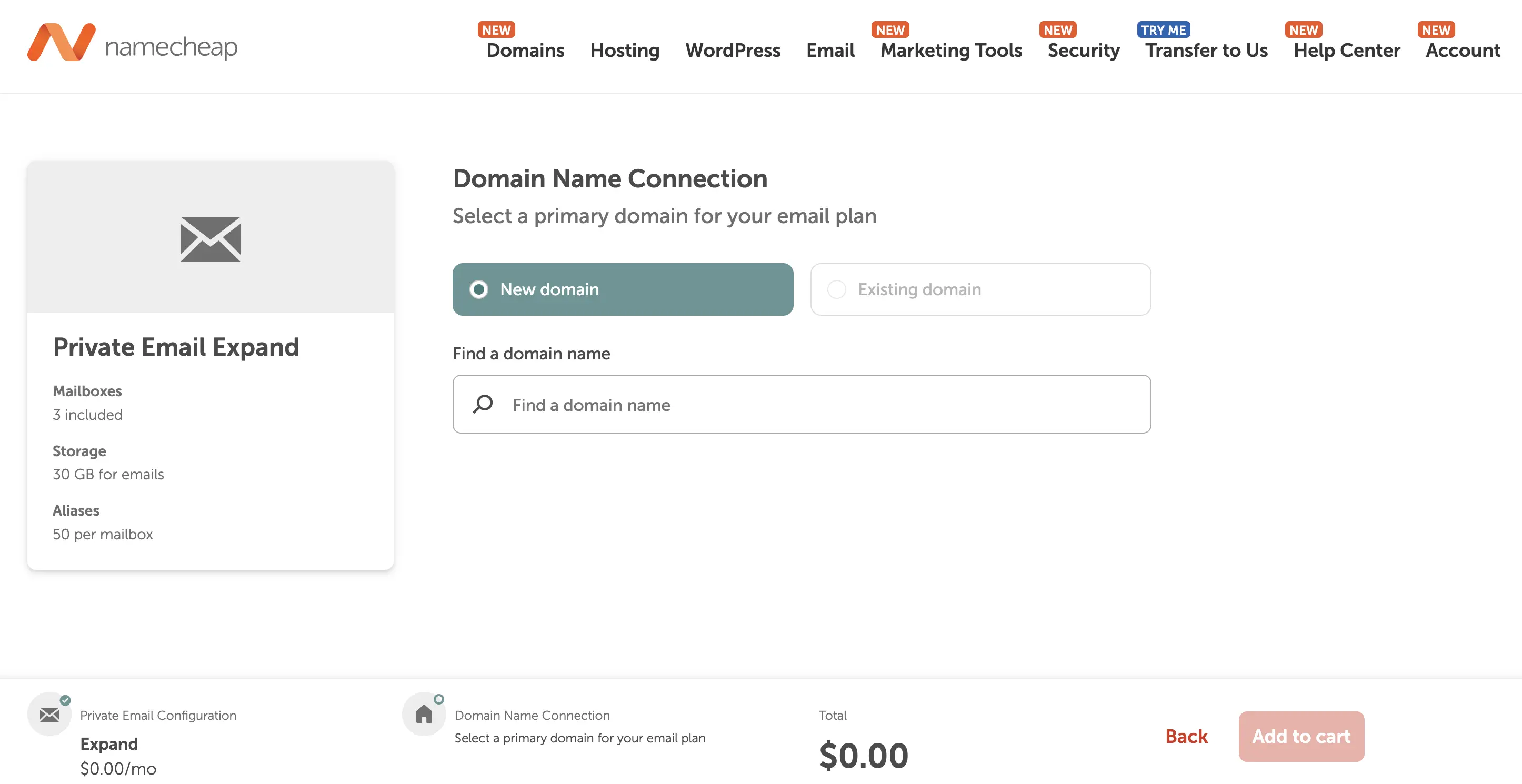
4. Connect your domain: Follow Namecheap's instructions to configure the necessary email DNS records.
5. Create your mailbox: Open Private Email, click Manage, and select Create Mailbox. Choose your email address and set a password.
6. Access your inbox: Visit Namecheap Webmail and sign in to start sending and receiving emails.
Once the domain settings are active, your new business email address will be ready to use.
What to consider: Namecheap doesn't provide a forever-free mailbox. Its trial has a sending limit of 20 emails per hour per mailbox, and prices may change on renewal.
What should you check before choosing a free business email provider?
The word free can be appealing, but the lowest business email cost isn't always the best fit for your business.
Before signing up, it's worth checking four things.
• Can you send and receive emails? Some services only forward incoming messages. If you regularly contact customers, send quotations, or reply to inquiries, you'll likely need a full mailbox.
• How many people need email addresses? A free plan might work for one person or a small team, but you should check the user limit before signing up.
• How much storage do you get? A small inbox may be sufficient initially, but emails with attachments, invoices, and documents can take up space over time.
• What happens when the free plan ends or no longer meets your needs? Check the cost of upgrading, whether you can keep using your domain, and how easily you can move existing emails.
Free vs. paid business email: which should you choose?
If you already own a domain and need limited storage and features with a free mailbox to send and receive messages, Zoho Mail makes sense. Cloudflare Email Routing works differently. It's useful when you want customers to contact you through a business address, but you prefer receiving those messages in your existing inbox. Neo Mail is best for small businesses and is worth considering if you need a paid mailbox with extra features or fewer free-plan restrictions. And Namecheap Private Email is a good option for individuals looking for straightforward business email service.
Frequently asked questions
Q1. Can I create a business email for free with a domain I already own?
Yes. Zoho Mail offers a Forever Free plan that supports a custom domain for up to five users in eligible regions. You can create an address using your existing domain and send and receive emails without a mailbox subscription. Few providers like Neo Mail offer a 15-day free trial with free business email before you commit to a paid plan.
Q2. Can I get a free business email without a domain?
Yes, you can use services such as Gmail or Outlook.com without buying a domain. However, your email address will use the provider's domain. For an address that uses your business name, you'll need a custom domain or an email plan that includes one.
Q3. Can I use Gmail with my own business domain for free?
You can forward emails from your business domain to an existing Gmail account using a forwarding service. However, Gmail doesn't provide a free custom-domain mailbox. Sending emails directly from your business address generally requires another sending service or a paid Google Workspace subscription.
Q4. Is a free business email suitable for a small business?
Yes. Free business email can work for small businesses with basic communication needs. Just check whether the service supports outgoing messages, enough storage, and the number of users you require.
Q5. Do I need a website to create a business email?
No. You can create a business email address using your domain even if you don't have a website. Email and websites are separate services, although both can use the same domain.
Q6. Can I switch business email providers later?
Yes. You can generally keep your domain and move to another email provider by updating your domain's email settings. If you have existing emails and contacts, check the new provider's migration options before switching.
Q7. What is the cheapest way to get a business email with my domain?
If you're looking for an affordable paid option, Neo Mail starts at $1.25 per mailbox per month and includes a free domain option and an AI website builder, making it a good, affordable choice. If you are looking for free option then Zoho Mail offers a free plan for up to five users.