
Key takeaways
- Completely free email: Gmail, Outlook.com, and Yahoo Mail let you create an email address without purchasing a domain.
- Business email with an included domain: Neo Mail lets you set up a business email address using your business name, without having to purchase a domain separately, with free AI-generated website at one place which is a good fit for small business or solopreneurs.
- Business email with an initial domain: Microsoft 365 lets you get started with an onmicrosoft.com address, mainly for setup and testing, with an eligible email license.
- Best for a $0 budget: Standard free webmail is the simplest option for freelancers and businesses that don't need a custom email domain.
Can you get a free business email without a domain?
Yes. You can create a free email address for your business without purchasing a domain. However, there is a difference between a completely free email account and business email that includes a domain.
There are three ways to get started:
- Standard free webmail: Create an address with Gmail, Outlook.com, or Yahoo Mail using the provider's domain.
- Business email with a free included domain: Use a paid email service such as Neo Mail that includes a .co.site domain.
- Service that provides an initial domain: Set up Microsoft 365 using its onmicrosoft.com domain and an eligible business email license.
Only the first option provides an ongoing free mailbox without a paid subscription. The other two let you get started without purchasing a domain separately.
What are the three ways to get a business email without a domain?
You don't need to own a domain to create an email address for your business. The right method depends on whether you want a free inbox, a branded email address, or an initial domain for setting up business email.
Option 1: Standard free webmail (no custom domain)
Providers: Gmail, Outlook.com, and Yahoo Mail
Free webmail is the simplest option for anyone who wants a separate business inbox without spending money. You create an account using the provider's domain, such as yourbusiness@gmail.com.
You don't need to purchase a domain or configure DNS records.
1. Gmail
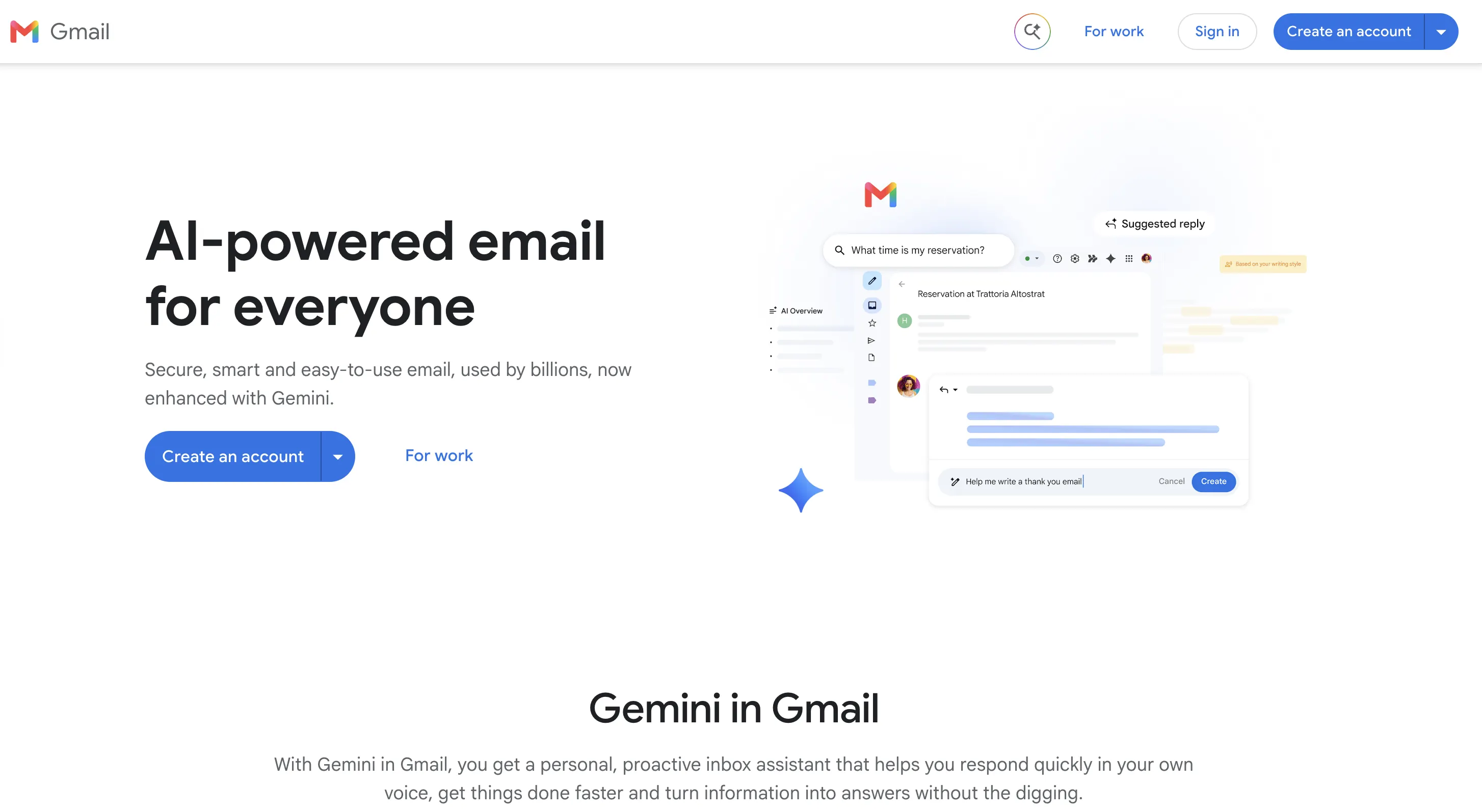
Gmail is a free email service that lets you create an address like yourbusiness@gmail.com without purchasing a domain. It comes with 15 GB of storage shared across Gmail, Google Drive, and Google Photos. You can also organize emails using labels, set up filters, and add a professional email signature with your business details. It's a practical option for freelancers and small business owners who want to manage customer conversations without paying for email hosting.
How to create a free Gmail account
- Go to Google Account signup and click Create account.
- Choose the account type and enter your name and other requested details.
- Select an available Gmail username, such as yourbusiness@gmail.com.
- Create a password and complete any required verification.
- Open Gmail and add your business display name and email signature.
Limitations
You cannot create a branded email address like hello@yourbusiness.com with free Gmail. Your address will end in @gmail.com, which may look less professional when contacting new customers. You also get only 15 GB of storage, shared with Google Drive and Google Photos, so files and photos can reduce the space available for emails.
2. Outlook.com
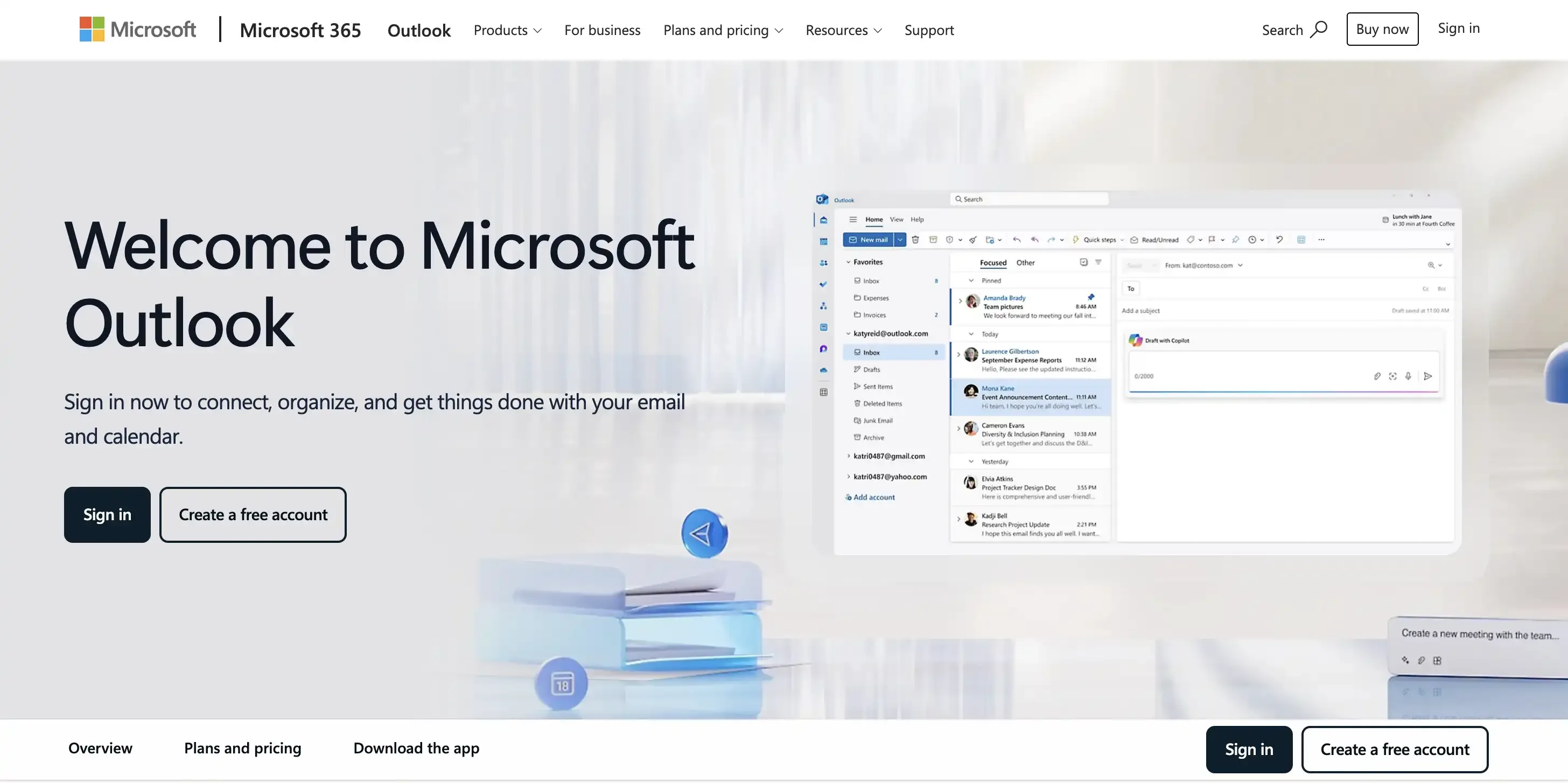
Outlook.com is a free email service from Microsoft that allows you to create an address like yourbusiness@outlook.com without purchasing a domain. It provides 15 GB of email storage and includes a built-in calendar and contact management tools. You can also organize emails into folders, set up automatic rules, and create a professional email signature. It's a convenient choice for freelancers and small business owners who already use Microsoft apps and want to manage business communication in one place.
How to create a free Outlook.com account
- Visit Outlook.com and select Create free account.
- Enter an available email name and choose the @outlook.com ending.
- Create a password and enter the requested account information.
- Complete Microsoft's security verification steps.
- Open Outlook.com and add your business display name and email signature.
Limitations
Free Outlook.com does not let you use your own business domain, so your email address will end in @outlook.com. You get 15 GB of email storage, and if you want branded email addresses for your employees or business management features, you'll need a paid service such as Microsoft 365.
3. Yahoo Mail
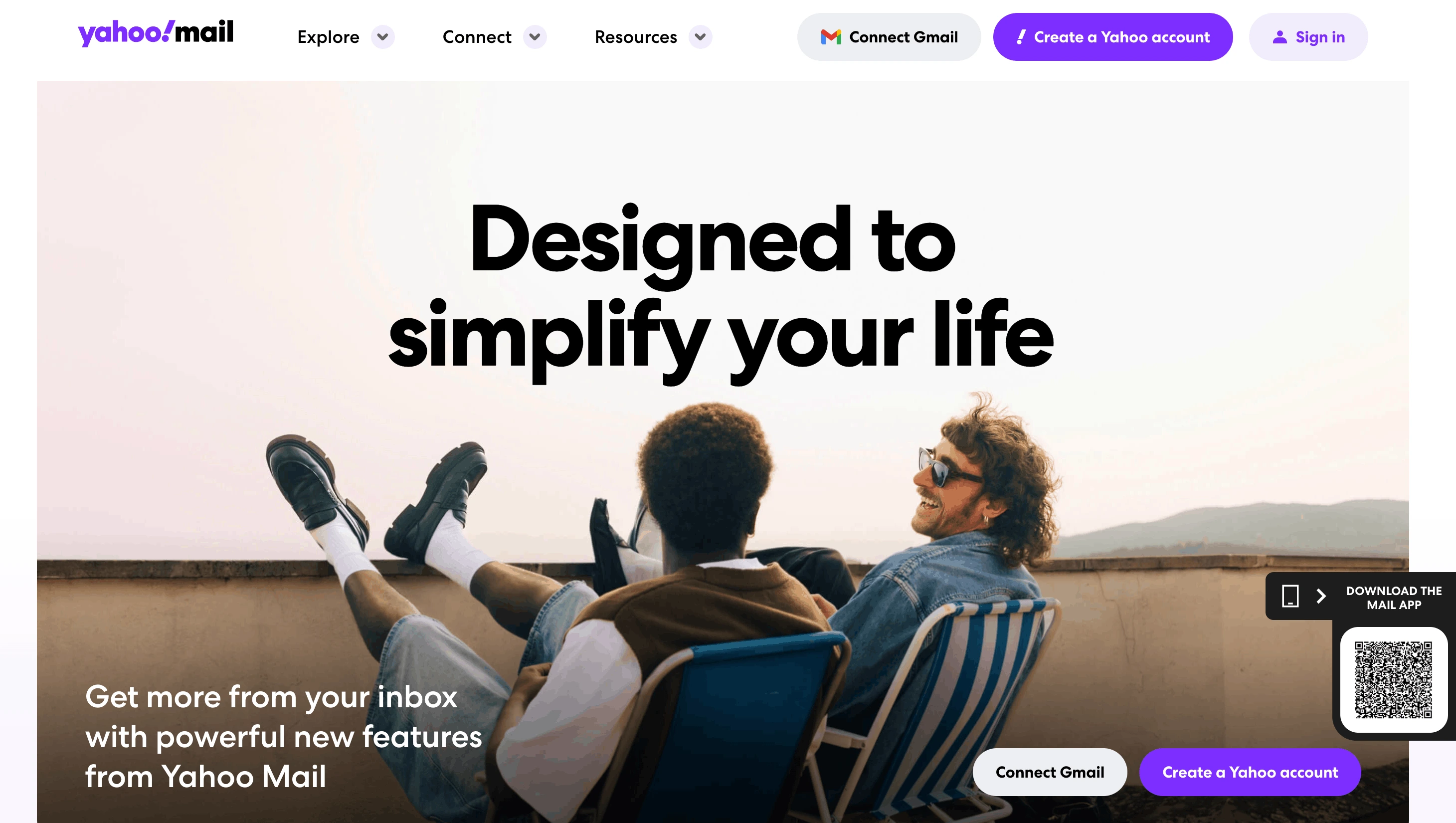
Yahoo Mail is a free email service that lets you create an address like yourbusiness@yahoo.com without buying a domain. It offers features such as folders, email search, spam filtering, and a built-in calendar to help manage everyday communication. You can also add a custom email signature and access your inbox from your phone or computer. It's a useful option for freelancers and small business owners who need a separate inbox to communicate with customers at no additional cost.
How to create a free Yahoo Mail account
- Visit the Yahoo signup page.
- Enter your name and choose an available @yahoo.com email address.
- Add a strong password, date of birth, and other required information.
- Click Continue and follow the mobile verification instructions.
- Sign in to Yahoo Mail and set up your business display name and signature.
Limitations
You cannot use your own business domain with free Yahoo Mail, so your address will end in @yahoo.com. While it's useful for basic communication, it doesn't provide business-specific features such as managing multiple employee mailboxes from one admin account. You'll need a separate business email service if your team grows.
All the above three are best for: Freelancers, new businesses, and individuals who want a completely free email address.
Option 2: Create business email with a free domain with Neo Mail
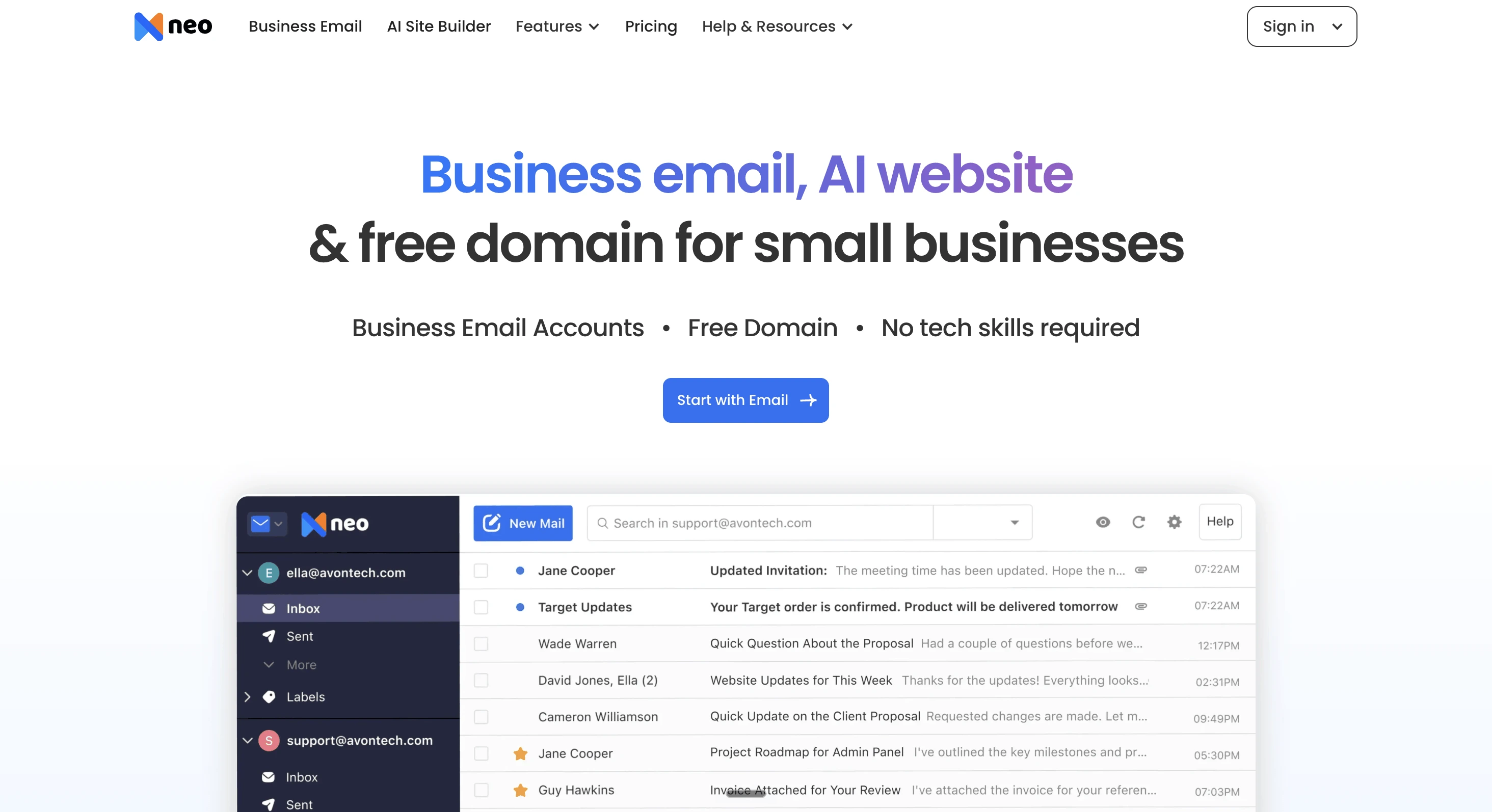
Neo Mail allows small businesses to create branded email addresses without purchasing a domain separately. With every paid email plan, you can get a free domain and create an address such as hello@yourbusiness.co.site.
Neo Mail also includes business email features such as an integrated calendar, mobile apps, and a free AI website builder. It also comes with business email features such as a built-in calendar, Neo MCP connector, AI inbox, Neo Drive Android and iOS apps, and a free AI-powered website.
How to create a business email with Neo Mail
- Go to Neo Mail website and select Start with Email to get started.
- Pick a free
.co.sitedomain from the suggestions and click Use this Domain. - Fill in your basic information to register your account.
- Create your business email address and set a password for your mailbox.
- If you need email accounts for your employees you can add them during setup or skip this step.
- Get your free AI-powered website and personalize it with your business information.
Best for: Solopreneurs, consultants, entrepreneurs, and small businesses that want a branded email address without buying a domain separately.
Main limitation: The domain is included with the plan, but the mailbox itself is paid.
Option 3: Service that provides an initial domain (Microsoft 365)
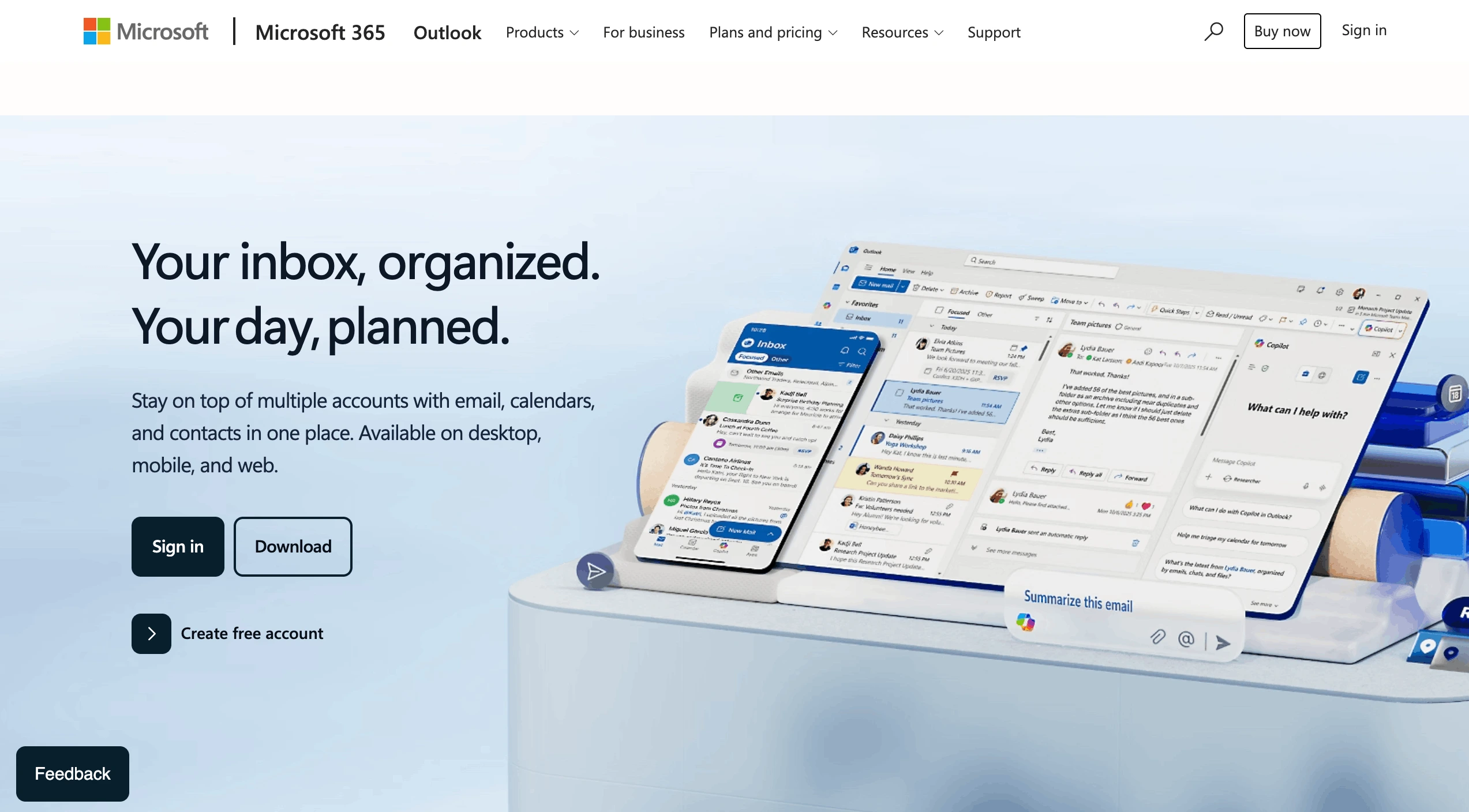
Microsoft 365 allows businesses to get started without purchasing a domain by providing an initial onmicrosoft.com domain during signup. For example, you can create an address like john@yourbusiness.onmicrosoft.com to set up accounts for your team. With an eligible Microsoft 365 email plan, you can send and receive emails through Outlook, manage team mailboxes, and use tools such as Calendar and Contacts. However, Microsoft recommends using the initial domain mainly for setup and testing. For regular customer communication, you can add your own business domain later.
How to get started with Microsoft 365
- Visit Microsoft 365 for business and select a plan or eligible trial that includes Exchange Online.
- Create your organization and choose an available onmicrosoft.com domain during signup.
- Create a user account and assign a license that includes an Exchange Online mailbox.
- Access the mailbox through Outlook.
- Add a custom domain later if you want a customer-facing address such as john@yourbusiness.com.
Best for: Businesses setting up Microsoft 365 accounts and testing email before connecting their own custom domain.
Main limitation: Microsoft recommends using onmicrosoft.com domains primarily for testing rather than regular external business email. Outbound sending restrictions may apply.
What do the numbers say about using your own domain?
Owning a domain is now ordinary for a business, and switching to one costs little. Setting it up properly is the step many owners skip.
- Most email still runs through free webmail: Gmail alone held 42.9% of the global mailbox market in 2025, so many people already have a free inbox when they start a business (Validity, 2026 Email Deliverability Benchmark Report).
- Domains are everywhere: 411.6 million domain names were registered by the end of September 2026, 8.7% more than a year earlier (Verisign, Q3 2026 domain report).
- The move costs little: the wholesale price of a .com rises to $10.97 a year on November 1, 2026, before registrars add their margin (Domain Name Wire).
- Owning a domain isn’t the finish line: a June 2026 study of 4,673 small firms in the US and Canada found 54.8% had incomplete email authentication, and 51.1% had no DKIM record at all (Does My Email Work, SMB Email Authentication Study 2026).
None of this makes free webmail unsafe. A free address is a sensible place to start. Once you move to your own domain, set up its authentication records (SPF, DKIM and DMARC) so recipients can verify your mail, not just see your name.
How did we evaluate the options?
We compared the five providers across six criteria that matter to businesses without an existing domain:
- Business name in the address: Whether the email address can represent the business rather than use a generic provider domain.
- Business email cost after any trial: Whether the mailbox is permanently free or requires a paid subscription.
- Storage: The available mailbox capacity and whether storage is shared with other services.
- Setup effort: Whether users can create their addresses without purchasing a domain or configuring DNS records.
- Deliverability control: Whether the service allows businesses to configure their own domain authentication settings.
- Ownership: Whether users control the domain and can continue using it if they change email providers.
We considered the differences between free personal webmail, paid business email with an included domain, and services that provide an initial organizational domain.
How do the free business email options compare?
The five providers below let you get started without purchasing a domain separately. However, they differ in cost, address type, and intended use.
Note: Microsoft 365 requires an eligible Exchange Online license for mailbox access. An initial onmicrosoft.com address is not recommended for regular external business email.
Which free business email options work without a domain?
Gmail, Outlook.com, and Yahoo Mail offer free email accounts without requiring you to purchase a domain. However, these services use provider-owned domains, such as @gmail.com or @outlook.com, rather than your own business domain. They also have limitations in storage, business administration, and customization.
Which option should you choose?
The best option depends on your budget and whether you need a branded email address.
For a free inbox, choose Gmail, Outlook.com, or Yahoo Mail. For a branded address without purchasing a domain separately, consider Neo Mail. Microsoft 365's initial domain is mainly suited for setup and testing.
How do you move to your own domain later?
If you initially choose free webmail or a provider-assigned domain, you can move to your own domain when your business needs one.
Moving to a custom domain typically involves four steps.
- Buy a domain: Check whether your preferred business name is available through a domain registrar and complete registration.
- Choose an email provider: Select an email service that supports custom domains and lets you configure the required email DNS records.
- Set up your new address: Create your mailbox, configure the domain, and migrate existing messages or contacts where supported.
- Update your contact information: Change your email signature, business website, profiles, invoices, and customer records to reflect the new address.
Domain prices vary by extension, registrar, and renewal terms.
The bottom line
You can create a business email address without purchasing a domain, but the three methods serve different needs.
Gmail, Outlook.com, and Yahoo Mail offer completely free email accounts using provider-owned domains.
Neo Mail is an option for small businesses that want a branded email address with an included free domain, without purchasing one separately.
Microsoft 365 lets businesses get started with an onmicrosoft.com domain without buying one separately. However, an eligible paid email plan is required, and the provided domain is mainly intended for setup and testing.
For a $0 budget, choose free webmail. For a branded address without purchasing a domain separately, consider Neo Mail. For initial Microsoft 365 setup, use the provider-assigned domain and plan to add a custom domain for regular business email.
Frequently asked questions
Q1. Is there a completely free business email with your business name in it?
Yes, you can use your business name before the @ symbol in a free Gmail, Outlook.com, or Yahoo Mail address, provided the username is available.
However, if you want your business name to appear as part of a custom domain after the @ symbol, you need access to that domain. Some paid email services, such as Neo Mail, include an eligible domain with their plans.
Q2. Can I have a business email without a website?
Yes. A website is not required to create or use a business email address.
You can create an account through Gmail, Outlook.com, or Yahoo Mail without a website. You can also use a paid business email service with an included domain or an initial provider-assigned domain.
Neo Mail includes a free AI website builder with its business email, but a website is not required simply to create an email account.
Q3. Can I create a business email in Gmail?
Yes. Gmail lets you create a free address such as yourbusiness@gmail.com.
If you want Gmail with your own business domain, such as hello@yourbusiness.com, you generally need a paid Google Workspace subscription and a domain you control.
Q4. Can I get a free domain with a business email plan?
Yes. Some business email services include a domain without a separate purchase.
For example, Neo Mail offers a free domain included with its email plans.
Microsoft 365 also provides an initial onmicrosoft.com domain during organizational setup, although it is intended primarily for testing and is different from an independently registered custom domain.
Q5. Do I need a domain to have a professional email?
Every email address technically contains a domain after the @ symbol, but you do not have to purchase or own that domain.
You can start with a free Gmail, Outlook.com, or Yahoo Mail address. If you want an address representing your business name after the @ symbol, you can use an eligible email plan with an included domain or register your own.