
Key takeaways
- Why people leave Zoho Mail: its free plan has no IMAP, works only in Zoho’s own apps and isn’t offered in every region.
- Five options, one per need: Lark for a free suite, Neo Mail for email with a free domain and AI website, Migadu for many addresses, Tuta for encrypted email with more storage and Proton Mail for encryption in Outlook.
- What it costs: Lark is the only free option on your own domain. Neo Mail starts at $1.25 per mailbox on the 4-yearly plan, and Proton Mail tops the range at $6.99 per user.
- Switching safely: you keep your address if you own the domain, and you’ll need to move MX records and set up SPF, DKIM and DMARC.
What is the best alternative to Zoho Mail?
For a small business team, Neo Mail is the closest match, since it bundles email with a free domain and a free AI website. Teams with other priorities have better-suited options. Lark offers a free suite with chat and docs, and Migadu suits agencies that manage many addresses. Tuta gives encrypted email with more storage, and Proton Mail brings encryption into Outlook or Apple Mail.
Why do people look for a Zoho Mail alternative?
Zoho Mail is still free, but only with tight limits, and those limits push many small businesses to look elsewhere. To be fair, it's a big, established service: Zoho says "550,000+ businesses run on Zoho Mail globally". The disadvantages of Zoho Mail show up mostly on its free and entry plans:
- The free plan is limited: Zoho's pricing page lists email for one domain, up to 5 users and 5 GB per user. IMAP, POP and ActiveSync are "not included."
- Free isn't offered everywhere: the same page says the free plan is "available only in select data centers," so some new sign-ups don't see it at all.
- No email apps on free: without IMAP, you can't connect Outlook, Apple Mail or Thunderbird, so you're tied to Zoho's own web and mobile apps.
- The cheapest paid plan is yearly: Mail Lite starts at $1 per user per month, and Zoho bills it annually only.
None of this makes Zoho Mail a bad choice. Paid Zoho plans with IMAP work well for many teams. People leave when the free plan stops covering what they need, or when they want a different set of tools.
What do the numbers say about switching business email?
Switching email providers is a good moment to fix security and delivery, because both are costly when they go wrong. These figures show why:
- The FBI's 2025 Internet Crime Report counted 24,768 business email compromise complaints in 2025, with losses of $3,046,598,558, up from $2,770,151,146 in 2024.
- The same FBI report lists phishing and spoofing as the most-reported crime type of 2025, with 191,561 complaints.
- Validity's 2026 deliverability benchmark found that the average global inbox placement rate in 2025 was 87.2%, so about 1 in 8 emails missed the inbox.
- Validity measured Microsoft's inbox placement at 77.4%, calling it the toughest mailbox provider to reach, and put Gmail's global market share at 42.9%.
- Google's email sender guidelines require every sender to use SPF or DKIM and keep spam rates below 0.3%. Anyone sending more than 5,000 messages a day also needs DMARC.
For you, this means one thing. Whichever provider you move to, confirm it supports SPF, DKIM and DMARC on your domain and filters spam well.
How did we evaluate the alternatives?
We judged every alternative on the same six criteria, chosen for someone leaving Zoho Mail:
- Price and billing term: what you pay per user, and whether you must commit for a year or longer.
- App access: whether the service works with Outlook, Apple Mail and other apps, which is what Zoho's free plan lacks.
- Storage: how much space each user gets, and whether it's shared with other tools.
- Email or suite: whether you get email only, or email plus chat, docs and meetings.
- Privacy and data location: where your mail is stored and how it's protected.
- Ease of switching: import tools and a free trial, so you can test before moving everyone.
We checked each provider's official pricing and feature pages in October 2026. We left out Google Workspace, Microsoft 365 and Fastmail, which our other guides cover in depth.
The top Zoho Mail alternatives
The five alternatives differ most in who they suit and how you pay.
Prices checked October 2026 on each provider's official pricing page.
5 best Zoho alternatives in 2026
The best Zoho Mail alternatives below each answer a different reason for leaving. Every block covers who it suits, the starting price, what stands out and one real drawback.
1. Lark: best for email, chat and docs in one app

Lark suits teams that would rather run email, chat and documents from one place than juggle separate tools. It's the free match to Zoho Workplace, because its plans page puts email, messenger, calendar, docs, wiki and meetings in every plan.
- Price: $0 on Starter; Basic costs $6 per user per month, billed annually.
- Users and storage: up to 20 users and 100 GB on Starter.
- Your own domain: supported on every plan, Starter included, according to Lark's admin guide.
- Other email apps: admins can let members sign in from third-party email apps with a dedicated password.
The catch: that 100 GB is shared by the whole team across every Lark app, and Lark sells its Basic plan only in some countries and regions.
2. Neo Mail: best for easy setup for small businesses
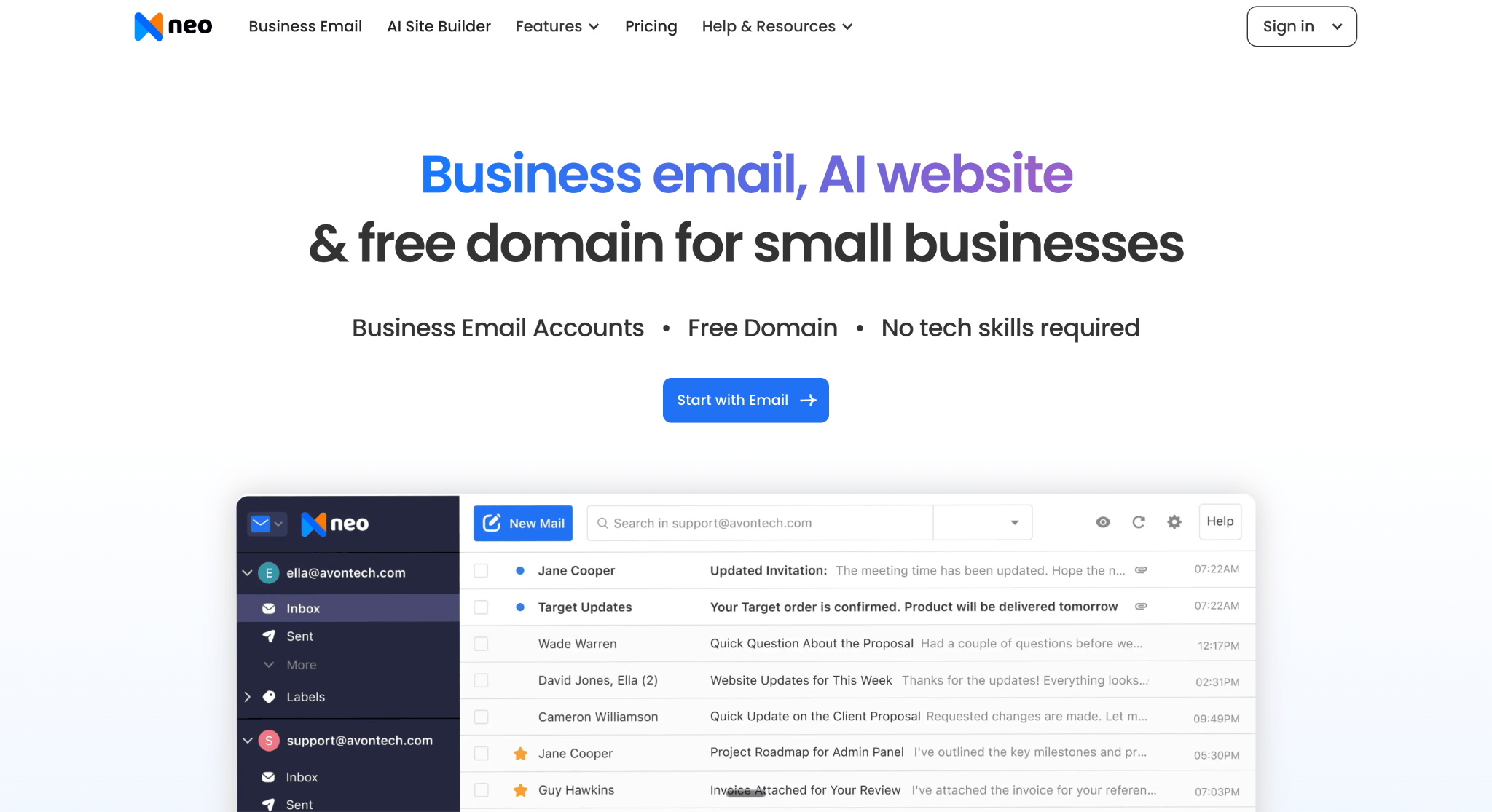
Neo Mail is a popular choice for online and offline stores, real estate agents, freelancers and creators. They often want a simple setup and handy productivity tools like follow-up reminders and AI tools. Neo Mail includes a free domain with every plan if you don't have one. It also adds a free AI website builder for anyone who wants an online presence too.
- Price: from $1.25 per mailbox per month on the (4-yearly plan).
- Storage: 15 GB per mailbox on Starter and 50 GB on Standard.
- Built in: calendar, Android and iOS apps, two-factor authentication, anti-spam and custom DKIM.
- Moving from Zoho: one-click import of existing emails and contacts on every plan.
The catch: there are very useful features that really help a small business, such as Send Later, follow-up reminders, read receipts and Priority Inbox. They come on the Standard plan or higher, and Starter caps sending at 500 emails a day.
3. Migadu: best for agencies with many addresses and domains
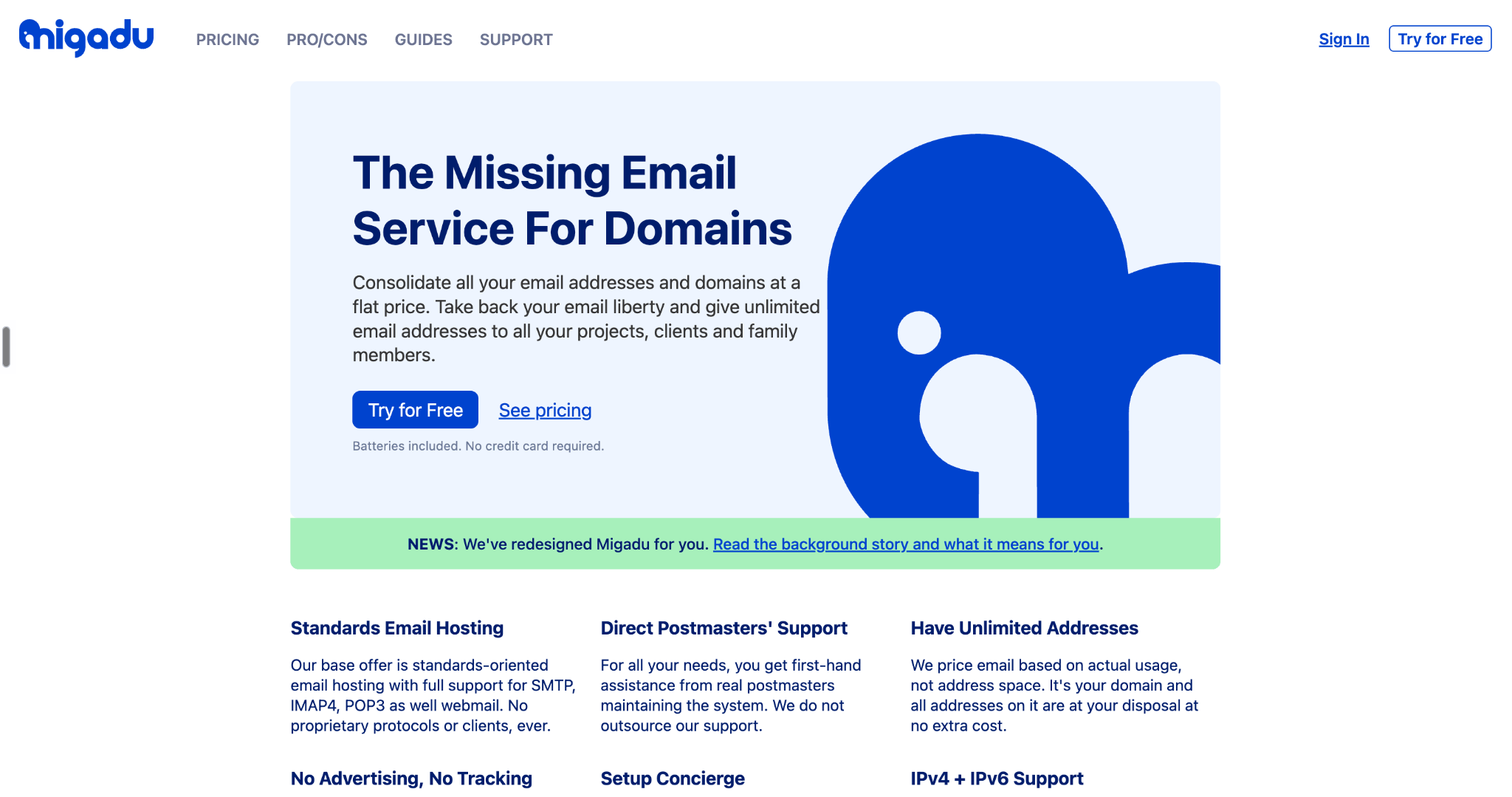
Migadu works well for agencies, freelancers and businesses that juggle lots of addresses or several domains. It prices email by usage instead of by mailbox. Its home page says every address on your domain comes at no extra cost, from a company registered in Switzerland.
- Price: $19 a year per account on Micro; Mini costs $90 a year or $9 a month.
- Addresses and storage: unlimited addresses on every plan, with 5 GB on Micro and 30 GB on Mini, according to Migadu's pricing.
- Works with any app: SMTP, IMAP, POP3 and webmail.
- No per-user math: adding a new team member doesn't raise the bill.
The catch: sending limits are low on the small plans, with 20 outgoing emails a day on Micro and 100 on Mini. A busy team may need Standard at $29 a month.
4. Tuta: best for encrypted email with more storage
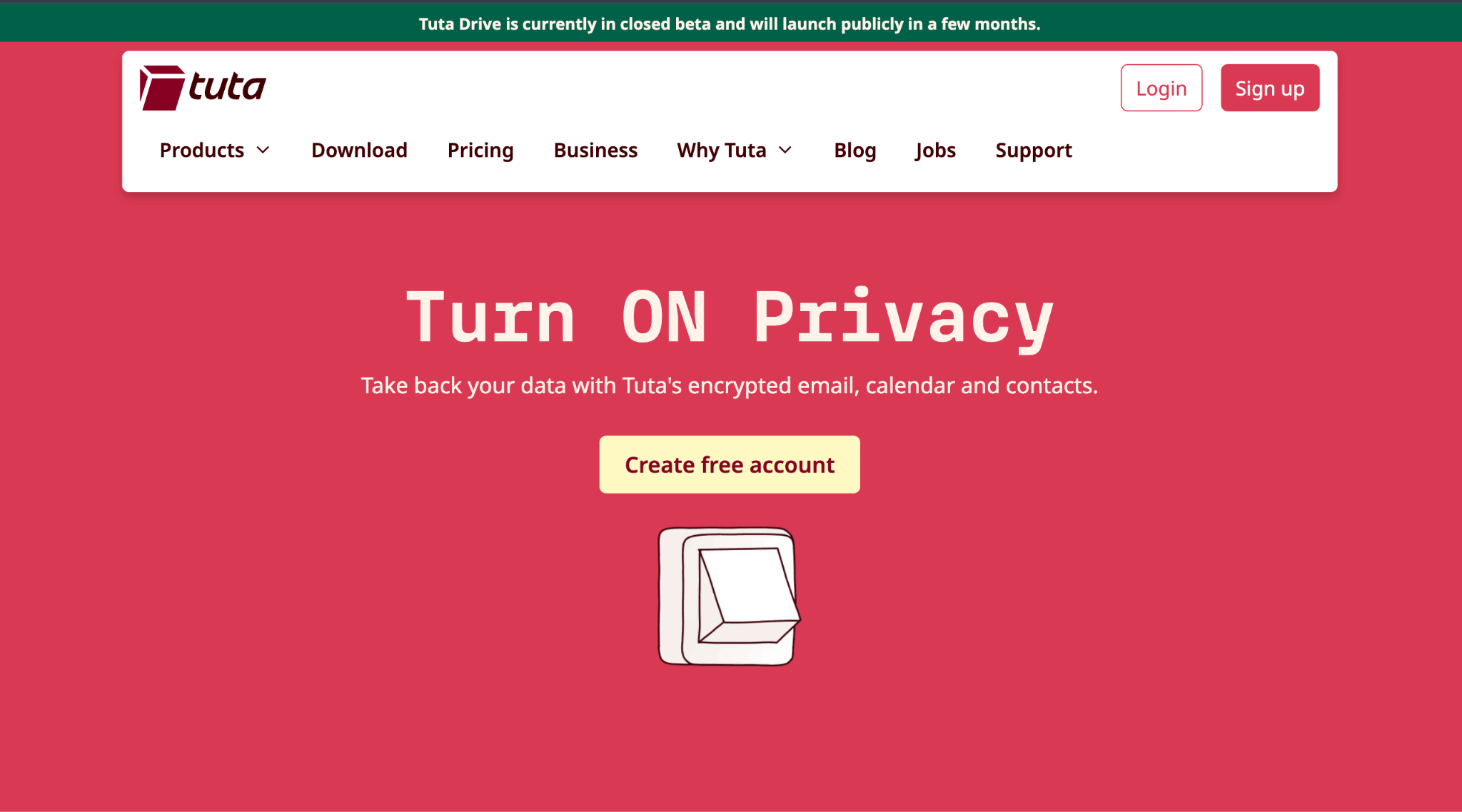
Tuta suits freelancers and teams that handle sensitive client information and want encryption switched on by default. It encrypts mail, calendars and contacts end to end and keeps data in Germany, according to Tuta's business plans.
- Price: about $6.68 per user per month (€6) on Essential, paid yearly.
- Storage and addresses: 50 GB, 3 custom domains and 15 extra addresses on Essential.
- Room to grow: Advanced costs about $8.91 per user per month (€8), paid yearly, with 500 GB and priority support.
- Reliability: a 99.95% uptime commitment on every business plan.
The catch: Tuta doesn't support IMAP, because its encryption means it can't connect to Thunderbird via IMAP, so your team uses Tuta's own apps or its Thunderbird add-on.
5. Proton Mail: best for privacy-first teams that use desktop email apps
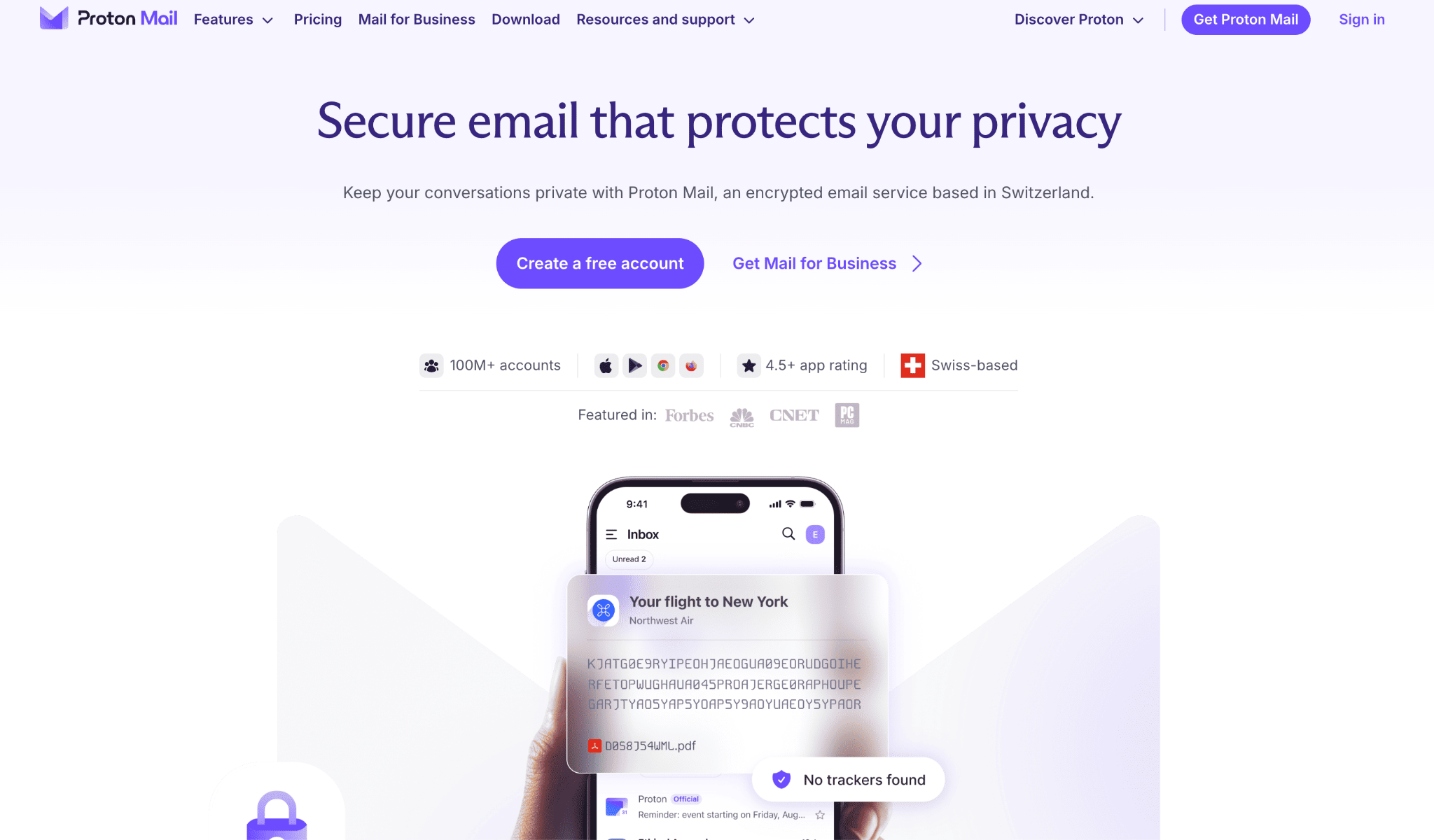
Proton Mail fits agencies and small firms that want encrypted email without giving up Outlook, Thunderbird or Apple Mail. On paid plans, Proton Mail Bridge adds end-to-end encryption to those desktop apps, so your team keeps the inbox it knows.
- Price: $6.99 per user per month on Mail Essentials, billed $83.88 every 12 months.
- Storage and domains: 15 GB per user and 3 custom domains, according to Proton's business pricing.
- Room to grow: Workspace Standard costs $12.99 per user per month, billed yearly, with 1 TB per user and 15 custom domains.
- Low-risk start: a 30-day money-back guarantee.
The catch: 15 GB per user is less than Tuta's 50 GB at a similar price. Desktop apps also connect only through Bridge, which you install alongside your email app.
Is there a free alternative to Zoho Mail?
Lark is the one free Zoho Mail alternative on this list that lets you use your own domain. Its free plan covers up to 20 users and 100 GB of shared storage. The other four are paid services, so the closest thing to free is a way to test first. Migadu lets you try its plans for free, and Proton Mail offers a 30-day money-back guarantee.
Watch for two kinds of "free" that don't replace Zoho Mail. Free Gmail and Outlook.com accounts give you their address, such as yourname@gmail.com, not yourname@yourbusiness.com. Email forwarding services can receive mail sent to your domain, but they don't give you a full mailbox to send from and store mail in.
Zoho's own free plan still exists in some data centers, for up to 5 users, if web-only access is enough for you.
How do you choose the right Zoho Mail alternative?
The right Zoho Mail alternative comes down to why you're leaving. Match your situation to the option below.
Two more cases are worth naming. If your team needs Google Workspace or Microsoft 365, our guide to the best business email services compares them. And if Zoho Mail itself works for you and only the app bothers you, a paid Zoho plan with IMAP lets you use Outlook or Apple Mail instead.
How do you switch from Zoho Mail without losing email?
You can switch from Zoho Mail and keep your address, as long as you own the domain. Follow these steps:
- Create your mailboxes at the new provider.
- Import or export your old mail and contacts.
- Point your MX records, the DNS settings that tell the internet where to deliver your email, to the new provider.
- Set up SPF, DKIM and DMARC for your domain.
- Keep Zoho active until new mail arrives at the new provider.
The bottom line
Lark makes sense for teams under 20 who want a free suite with chat and docs. Neo Mail fits small businesses that want business email services, with easy setup, a free domain, and a free AI-generated website together. Migadu suits agencies that run many addresses or domains. Tuta is the choice when encryption and storage both matter. Proton Mail suits privacy-first teams that want to keep Outlook or Apple Mail. And if Zoho Mail still works apart from its app, a paid Zoho plan may be all you need.
Frequently asked questions
Q1. Is Zoho Mail Chinese?
No. Zoho began as AdventNet Inc. in New Jersey in 1996, became Zoho Corporation in 2009, and runs its main campus in Chennai, India, according to Zoho's company history. Zoho also lets businesses choose where their mail is stored, with more than 10 data centers, including in the US, the EU and India.
Q2. Can I keep my email address if I leave Zoho Mail?
Yes. Your address belongs to your domain, not to Zoho, so you can keep it with any provider that supports custom domains. Create the mailboxes at your new provider, move your MX records, and set up SPF, DKIM and DMARC again so your mail keeps reaching inboxes.
Q3. Can I use Zoho Mail in Outlook or another email app?
Yes, but only on a paid plan. Zoho's free plan doesn't include IMAP, POP or ActiveSync, which are the connections Outlook, Apple Mail and Thunderbird use. On a paid plan such as Mail Lite, you can add your Zoho account to the email app you already use.
Q4. Which Zoho Mail alternative is the most private?
Tuta and Proton Mail are the most private options here, because both use end-to-end encryption. Proton Mail also works in Outlook, Thunderbird and Apple Mail through Bridge on paid plans, while Tuta uses its own apps. Migadu, a company registered in Switzerland, supports standard IMAP and webmail instead.
Q5. What is the cheapest paid alternative to Zoho Mail?
Neo Mail has the lowest per-mailbox starting price here, at $1.25 per mailbox per month on the 4-yearly plan. Migadu's Micro plan costs $19 a year for a whole account, though it allows only 20 outgoing emails a day. Tuta starts at about $6.68 and Proton Mail at $6.99 per user per month, both billed yearly.