
Key takeaways
- Domain email gives your business a professional identity: Using an address like hello@yourbusiness.com helps maintain consistent branding and lets you create separate email addresses for different business needs.
- There are three ways to get a domain email: Use a domain included with your email plan, connect a domain you already own, or purchase a new domain along with your business email.
- Different providers offer different benefits: Neo Mail combines business email with domain and free website option, Google Workspace integrates email with productivity tools, and Fastmail focuses on email management and custom domain support.
- Your domain, email, and website don't need to be with the same provider: You can manage them separately or choose one provider for a simpler setup and billing experience.
- Consider ownership and long-term costs before choosing: Compare email subscription fees, domain registration and renewal costs, and ownership terms. If you control your domain, you can switch email providers without changing your business email address.
What is a domain email?
A domain email is an email address that uses a domain associated with your business, organization, or personal brand. Every email address has two main parts.
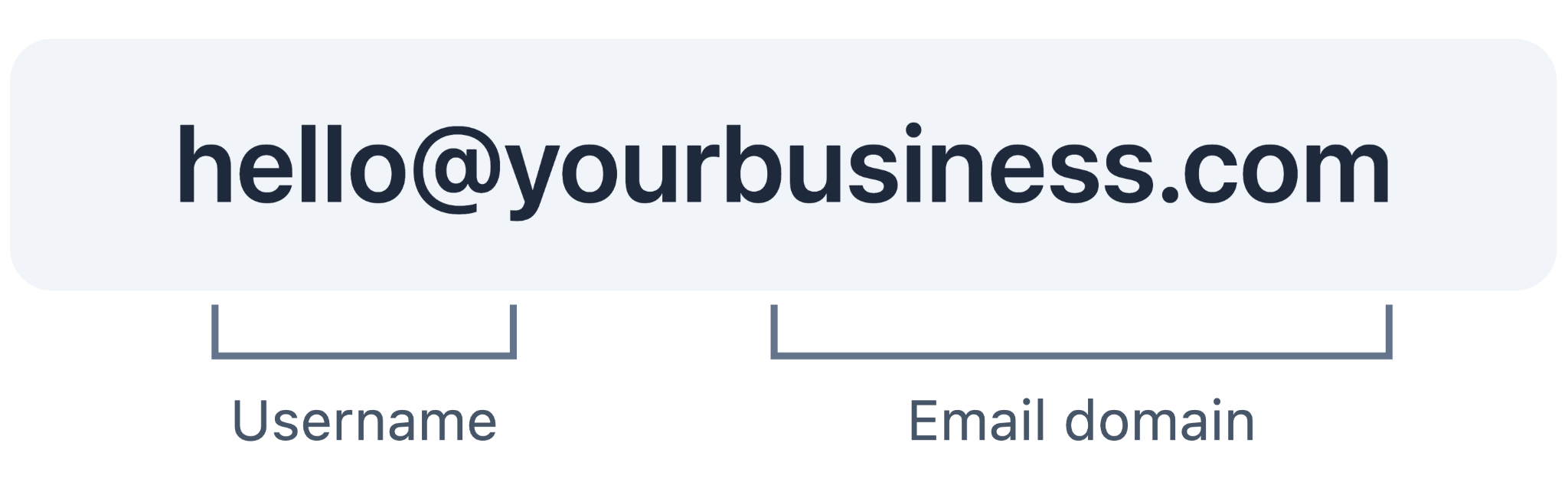
For example: hello@brightpathconsulting.com
- Username: The part before the @ symbol, such as hello, sales, or your name.
- Email domain: The part after the @ symbol, such as brightpathconsulting.com.
With a generic email service like Gmail, you use its domain (gmail.com). With a custom domain email, you use a domain associated with your business.
For example, a small consulting firm called BrightPath Consulting could use hello@brightpathconsulting.com to communicate with clients, share proposals, and manage business inquiries.
The same domain can support multiple email addresses, such as hello@brightpathconsulting.com and support@brightpathconsulting.com, depending on your email provider's plan.
Why should you use a custom domain email for your business?
A custom domain email helps establish a consistent identity for your business and makes it easier for customers to recognize your communications.
1. Build a professional business identity
An address like contact@yourbusiness.com clearly identifies the business behind the message. It can be especially useful when communicating with customers, suppliers, and potential clients.
2. Keep your branding consistent
Your email address can match your website, business cards, invoices, and other marketing materials. This makes your business easier to recognize across different channels.
3. Create email addresses for different purposes
As your business grows, you can set up addresses such as sales@yourbusiness.com, billing@yourbusiness.com, and support@yourbusiness.com.
4. Have more flexibility over your email provider
When you control your domain, you can change email providers while keeping the same business email address. You will need to update your email settings and migrate any messages you want to retain.
3 ways to get a domain email
You can create a domain email in three ways, depending on whether you already own a domain and how you want to manage it.
1. Get a free domain with your business email plan
If you haven't purchased a domain, some business email providers let you start with a domain or subdomain included in your email plan. The main difference is ownership. A provider-issued subdomain, such as brightpathconsulting.co.site, is not the same as independently registering brightpathconsulting.com. Check the provider's terms before choosing an address you intend to use long-term.
2. Connect a domain you already own
If you've already purchased a domain through a registrar, you can use that domain to create a business email address.The process generally involves choosing an email plan, verifying domain ownership, and updating your domain's DNS records.
These records include:
- MX records: Direct incoming messages to your email provider.
- SPF records: Identify which servers are authorized to send email for your domain.
- DKIM records: Add a digital signature that helps receiving servers verify your messages.
Your email provider will supply the required settings. You can keep your domain registered with your current registrar.
3. Buy a new domain together with your business email
If you want an address ending in .com, .net, .org, or another domain extension, you can purchase a new domain while signing up for business email. Some business email providers offer both services together, so you don't need to register the domain separately and manually connect it to your email. For example, BrightPath Consulting could purchase brightpathconsulting.com and create hello@brightpathconsulting.com through the same provider. Before purchasing, check domain availability, the first-year registration price, renewal fees, and whether the domain will be registered in your name
Best providers: 3 Ways to get a domain email for your business
Several providers offer custom domain email services, but they differ in how they handle domain registration, email setup, and additional business tools, which also affects your overall email cost.
Here are three options to consider.
1. Neo Mail
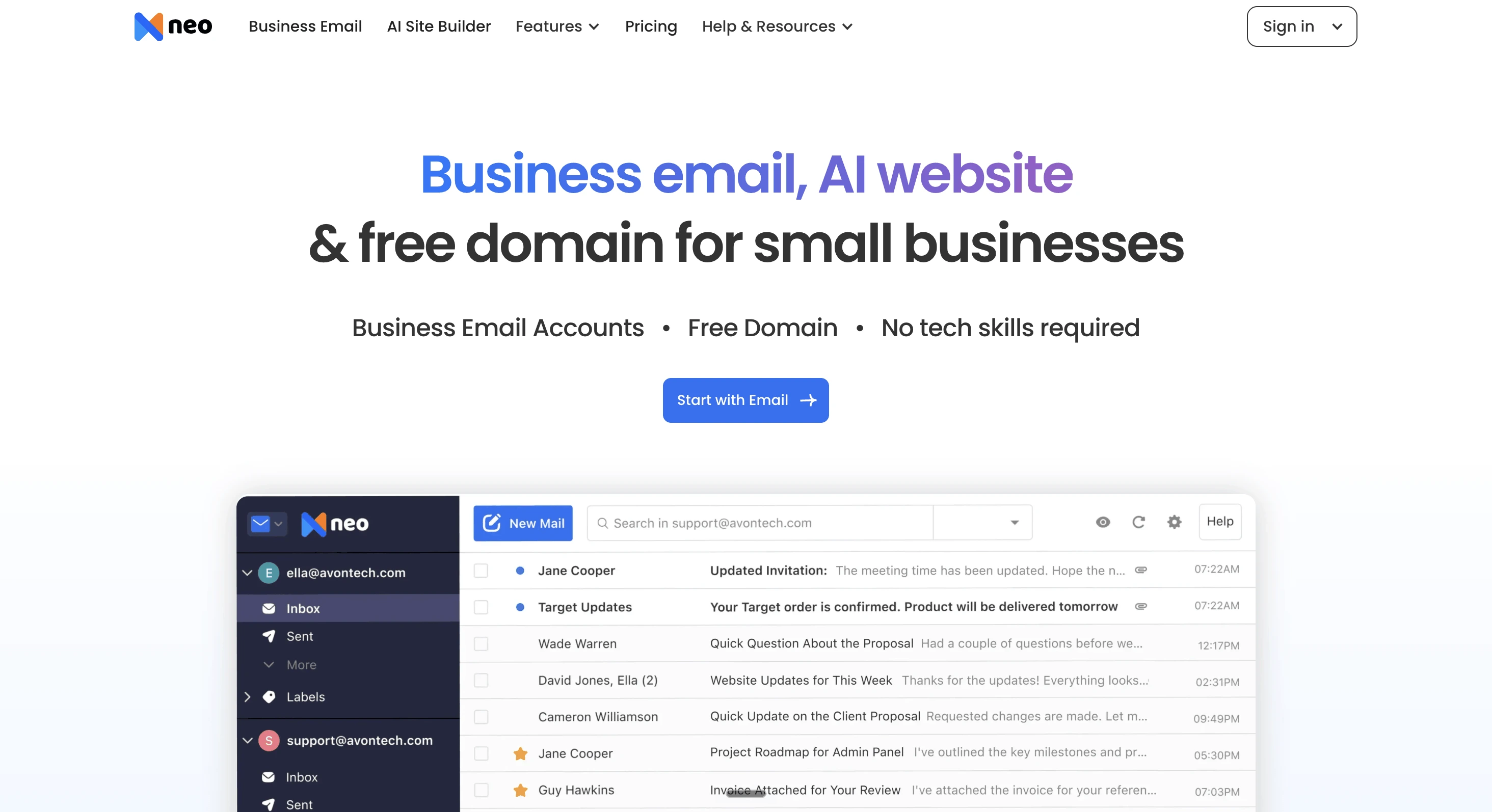
Best for: Freelancers, solopreneurs, and small businesses looking for business email, a domain, and a free AI-powered website in one place.
Starting price: $1.25 per mailbox/month on a 4-year plan, with a 15-day free trial.
Neo Mail is the only platform that help. You can use a free co.site domain, connect a domain you already own, or purchase a new domain together with your email. Neo Mail also includes a free AI website builder, allowing businesses to create a website alongside their email address.
Key features:
- Free co.site domain option.
- Support for existing and newly purchased domains.
- Automatic email configuration for domains purchased through Neo Mail.
- Free AI website builder included with email plans.
- AI Inbox, AI Labels, and AI Summary to organize emails, prioritize replies, and manage follow-ups.
- Neo Drive to store, organize, and securely share business files.
- MCP integration to connect Neo Mail with AI assistants like ChatGPT and Claude for managing emails, calendars, and contacts.
Things to consider: The free co.site option is a provider-issued subdomain, not an independently registered .com. Domain purchases and renewals may involve additional charges, and some email features vary by plan.
2. Google Workspace
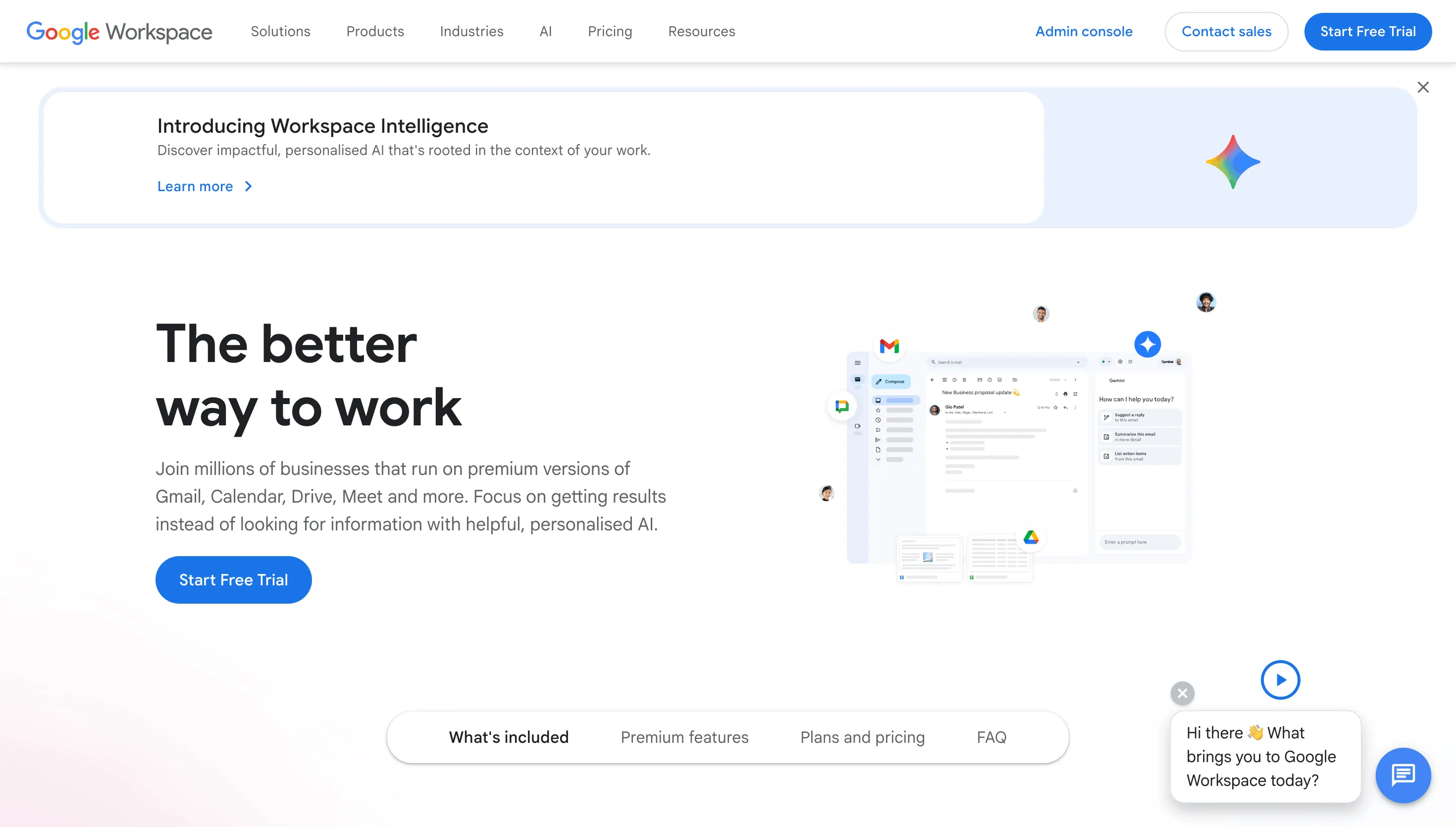
Best for: Businesses that want custom domain email alongside Gmail, Google Drive, Docs, Meet, and other collaboration tools.
Pricing: Starts at $7/user/month (billed annually). Domain registration costs extra.
Google Workspace lets businesses create professional email addresses using a custom domain while working within the Gmail interface. You can connect a domain you already own or purchase a new one during signup. It also includes tools for storing files, scheduling meetings, and working on documents with your team
Key features:
- Custom domain email through Gmail.
- Option to use an existing domain or purchase a new one.
- Integration with Google Drive, Calendar, Meet, and Docs.
- Email aliases and centralized user management.
- Business security and administration tools.
Things to consider: Google Workspace does not include a free custom domain with its standard business email subscription. Domain purchases are additional, and the broader collaboration suite may be unnecessary for businesses that primarily need email.
3. Fastmail
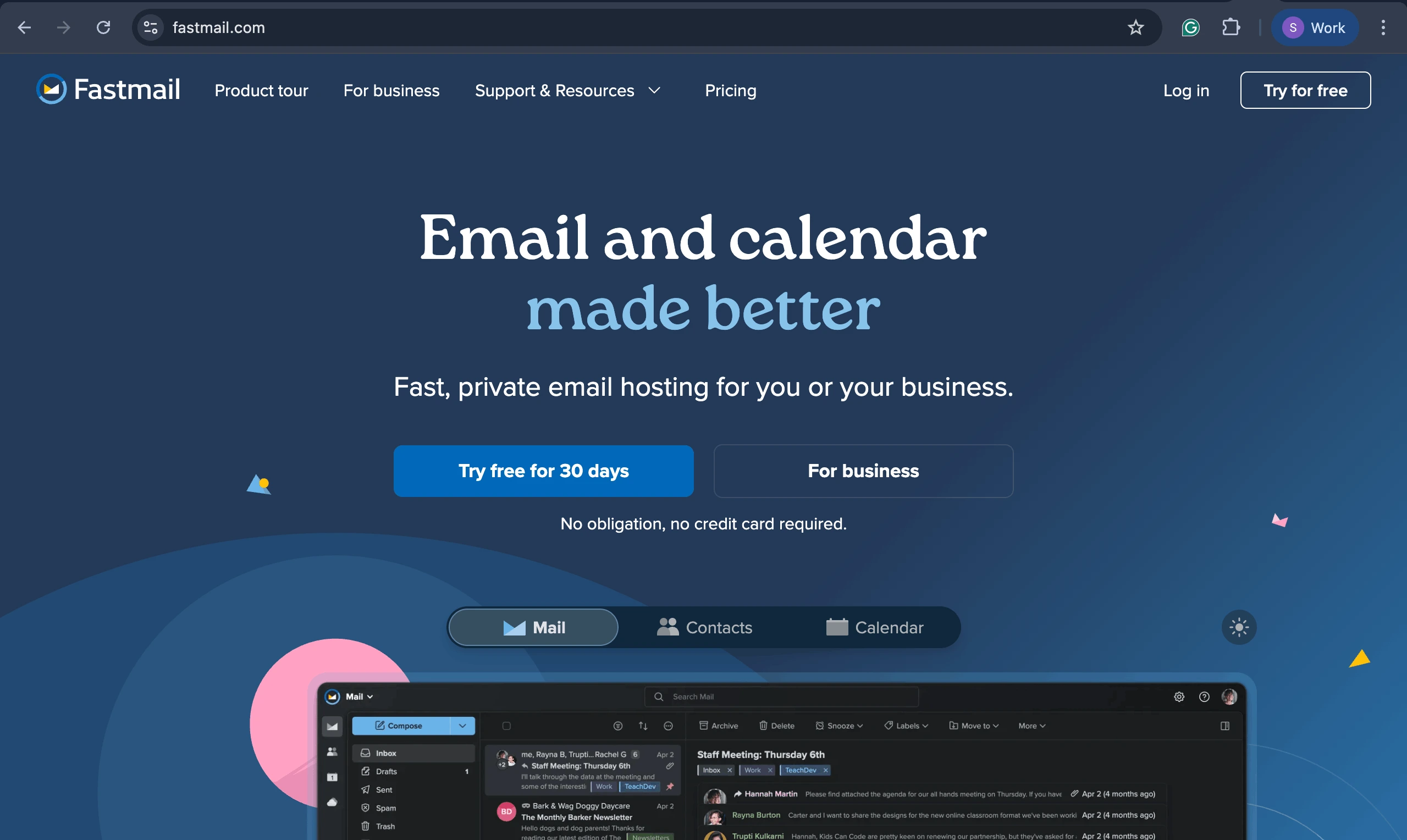
Best for: Freelancers, professionals, and small businesses that want custom domain email with a straightforward inbox and flexible domain management.
Pricing: Starts at $5/user/month (billed annually) for custom-domain email. Domain registration costs extra
Fastmail is an email service that lets businesses create email addresses using their own domain. You can connect a domain registered elsewhere or purchase a new domain directly through Fastmail if your account meets its eligibility requirements. Fastmail provides a guided setup process for connecting existing domains. For eligible customers who are purchasing a domain through Fastmail, the required email DNS settings are configured automatically.
Key features:
- Custom domain email with support for existing domains.
- Domain registration for eligible paid customers.
- Guided DNS setup for connecting a custom domain.
- Email aliases and support for multiple custom domains.
- Calendar, contacts, and spam protection.
Things to consider: Custom domains require a qualifying paid subscription. Purchasing a new domain directly through Fastmail is available to paid customers who have had their accounts for more than seven days and are not on a Basic plan. Fastmail also does not offer a built-in website builder, so businesses looking to create a full website would need another service.
Should you buy your domain and email from the same provider?
You can purchase your domain and email together or use separate providers. Both approaches work, and the better choice depends on how much control and convenience you want.
If you're setting up your first business email and prefer fewer technical steps, getting both services together may be more convenient. If you already own a domain or want to keep domain registration independent from your email service, you can connect it to an email provider without transferring ownership.
How much does a domain email cost?
The cost of a domain email depends on two things: domain registration and your email subscription.
For example, a consulting business using a .com domain might pay an annual domain registration fee plus a recurring email subscription. Some providers reduce the initial cost by including a domain or subdomain with their email plans.
Neo Mail, for instance, offers a free co.site domain option and selected domain extensions free for the first year on eligible yearly plans. When comparing prices, consider the total cost after the first year, not just the introductory offer. This includes domain renewal charges, mailbox subscriptions, and any optional website services.
How to choose the right email domain
Your domain will appear in client emails, invoices, and potentially your website address, so choose a name that will continue to represent your business as it grows.
Keep it short and memorable. A name such as brightpathconsulting.com is easier to communicate than one containing several extra words, numbers, or hyphens.
Choose an extension that fits your business. .com is a familiar option for many businesses, while extensions such as .store, .tech, or .org may suit particular industries or organizations.
Check availability before settling on a name. If your preferred domain is already registered, consider a clear variation of your business name or another suitable extension.
Review renewal and ownership terms. Make sure you understand who controls the domain, how much it costs to renew, and whether you can transfer it to another registrar.
Frequently asked questions
1. Can I get a domain email without buying a domain?
Yes. Some email providers include a domain or subdomain with their email plans. For example, Neo Mail lets you create a business email using a free domain option, without purchasing a separate domain first. An independently registered custom domain may involve additional charges.
2. Do I own a free domain provided by my email provider?
Not necessarily. Ownership depends on whether the domain is independently registered in your name or provided as a subdomain under the provider's domain. A free first-year domain registered in your name is different from a provider-issued subdomain. Always review the registration, renewal, transfer, and cancellation terms before choosing a domain.
3. What happens to my business email if my domain expires?
If your domain expires and its DNS services stop working, your business email may stop receiving messages and your website may become unavailable. The recovery process depends on the registrar and domain extension. Some registrars provide a renewal grace period, followed by a redemption period with additional restoration fees. You should not assume that the domain will remain available for a fixed number of days after expiry. Enabling auto-renewal and keeping your payment details current can help prevent interruptions.
4. Can I create a domain email without a website?
Yes. A website is not required to use a custom domain email. You only need a domain and a compatible email service. For example, a consultant can create hello@brightpathconsulting.com to communicate with clients even before launching a website.
5. Can I use my existing domain with another email provider?
Yes. Email providers like Neo Mail, Google Workspace, and Fastmail allow you to create a business email address using a domain you already own. You simply need to verify domain ownership and update the required DNS records to connect your domain to the email provider.
6. Is a domain email the same as a business email?
A domain email describes an email address that uses a particular domain, while business email refers to email used for professional communication.
A custom domain email is a common type of business email, but a business can also communicate using a generic address such as yourbusiness@gmail.com.
7. Can I change email providers without changing my domain email address?
Yes, provided you control the domain. You can move to another email provider and update the necessary DNS records while retaining addresses such as hello@brightpathconsulting.com. You should plan the migration carefully to avoid missing messages or losing access to existing mail.